v0.0.0 — Python 3.13+ · Vulkan 1.2+

SIMVX

A cross platform game engine written entirely in Python.
Build, test, and ship apps — using the tools you already love.

Vulkan rendering · Visual editor · Integrated IDE · Web export · Headless CI testing · AI-driven debugging

Try Now Play Demos Get Started Documentation
Showcase
2D, 3D, and a full editor

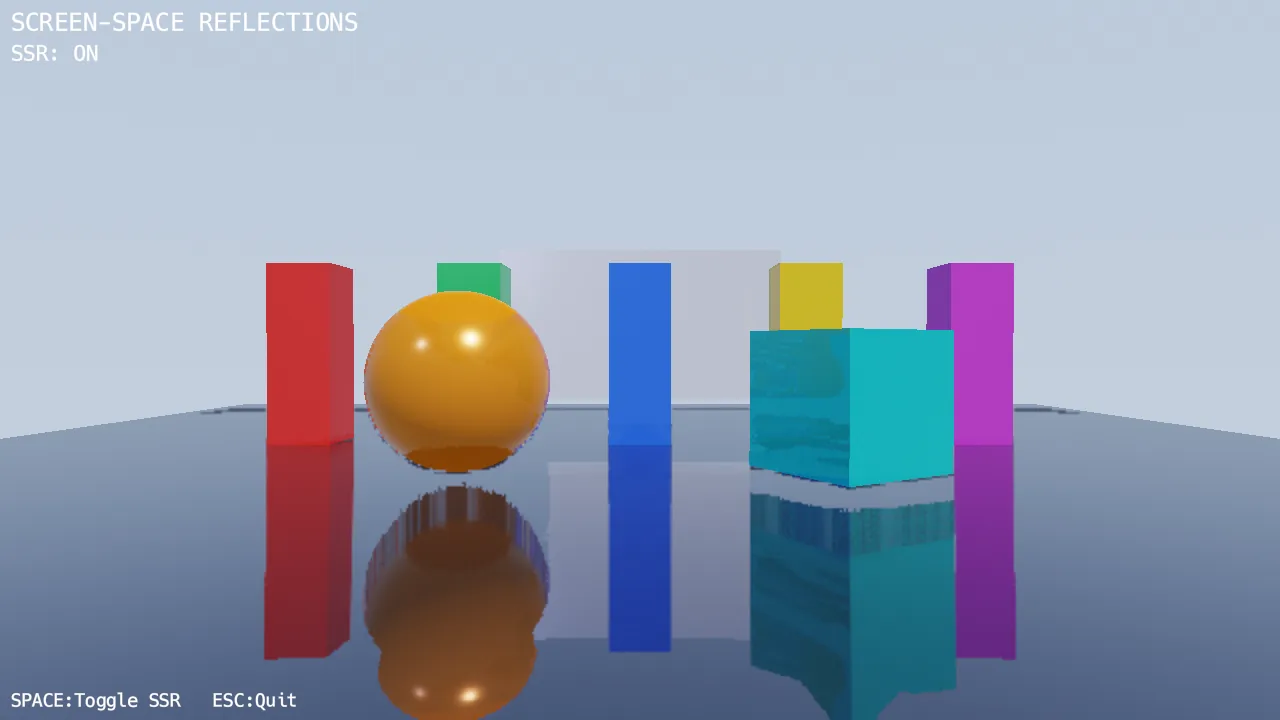
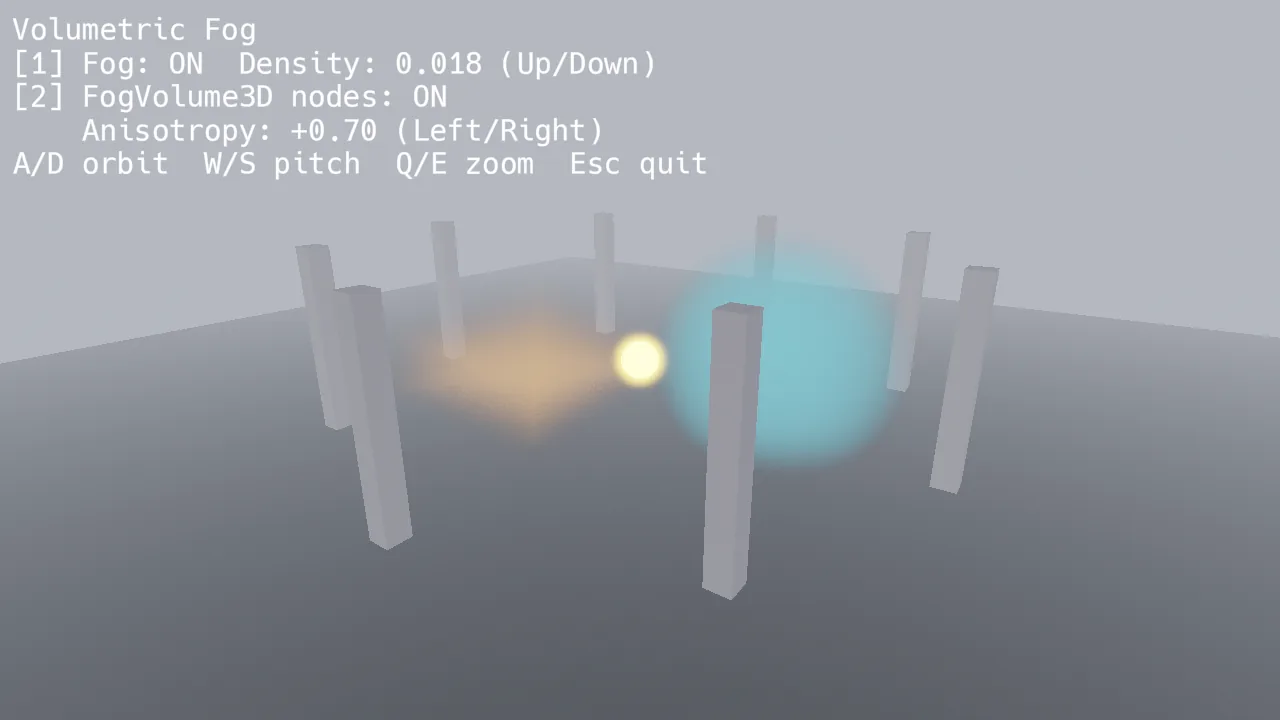
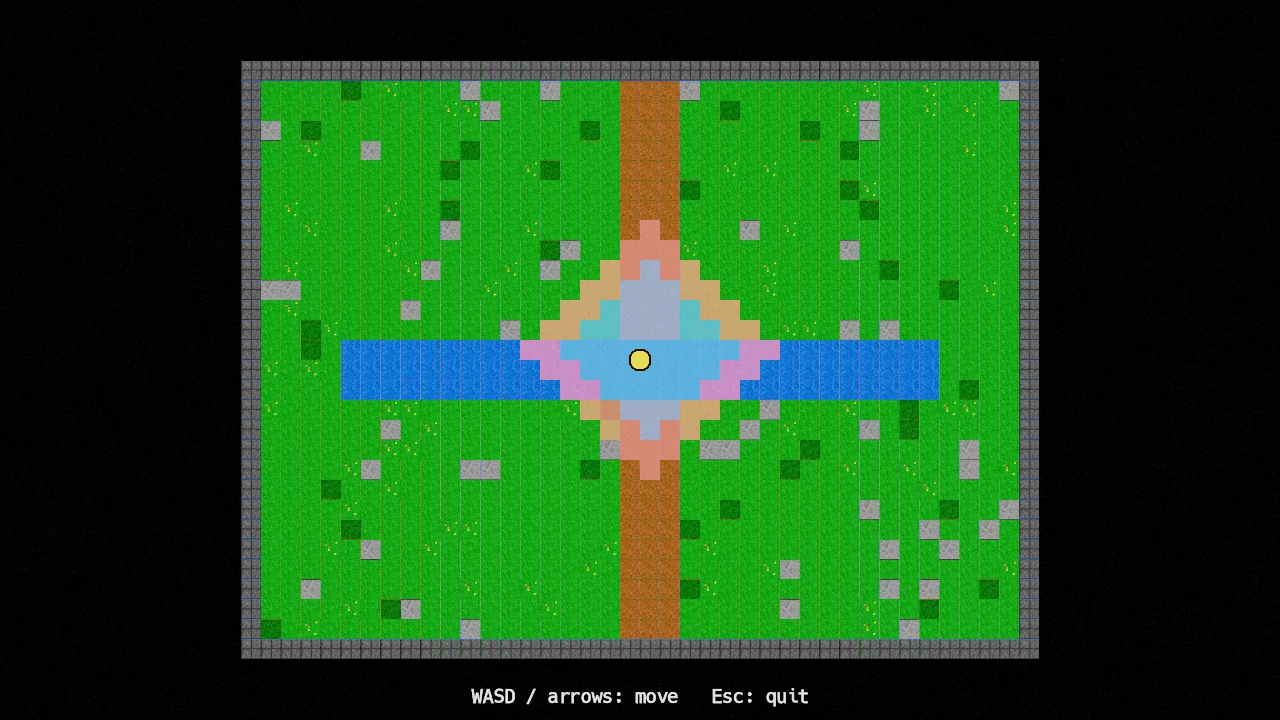
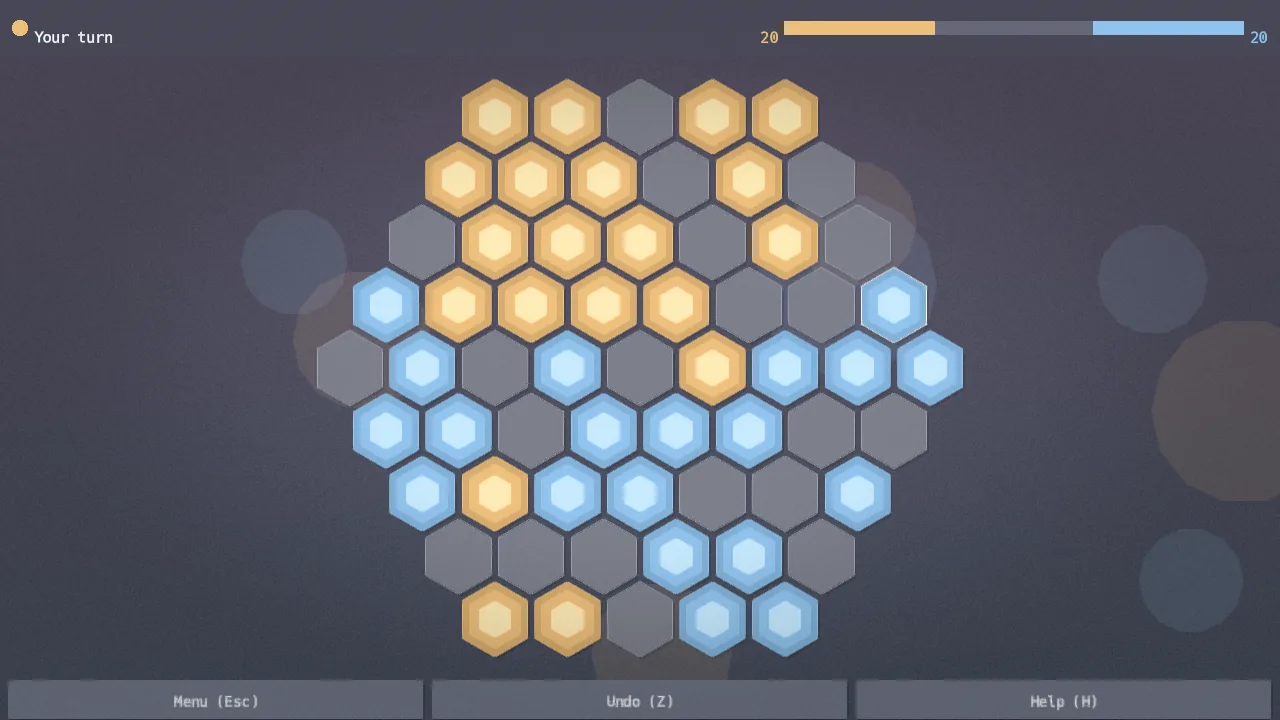
Everything renders through Vulkan. From pixel-art 2D games to PBR-lit 3D scenes, and a complete visual editor built on top of the engine itself.

2D — Space Invaders · 386 lines of Python
3D — Tic-Tac-Toe · Menu, gameplay, orbiting camera
Editor — Building a 3D scene with the visual editor, node tree, inspector, and script editor
space_invaders.py
from simvx.core import *
from simvx.graphics import App

class Player(CharacterBody2D):
    speed = Property(300.0)  # Visible in editor inspector

    def ready(self):
        self.position = Vec2(400, 550)

    def physics_process(self, dt):
        if Input.is_action_pressed("move_left"):
            self.position.x -= self.speed * dt
        if Input.is_action_pressed("move_right"):
            self.position.x += self.speed * dt
        if Input.is_action_pressed("fire"):
            self.parent.add_child(Bullet(
                position=self.position - Vec2(0, 15)
            ))

class Alien(CharacterBody2D):
    points = Property(10)

    def __init__(self, **kw):
        super().__init__(collision=12, **kw)
        self.add_to_group("aliens")

class Game(Node):
    def ready(self):
        self.add_child(Player(name="Player"))
        for row in range(5):
            for col in range(11):
                self.add_child(Alien(
                    position=Vec2(100 + col*40, 60 + row*36)
                ))

# That's it — run it
App("Space Invaders", 800, 600).run(Game())
Engine
Everything you need, nothing you don't

Four packages. No framework lock-in. Use the full Python ecosystem — any library from PyPI, standard debugging tools, your existing workflow.

🐍

Pure Python

No custom scripting language. Write game logic in real Python with full access to PyPI, pdb, static analysis, and your existing tools.

Vulkan Rendering

GPU-driven forward renderer with multi-draw indirect, PBR materials, SSAO, IBL, shadows, and post-processing.

🌳

Scene Tree

Composable node hierarchy with signals, groups, and coroutines. Node2D, Node3D, CharacterBody, RigidBody, UI widgets, and more.

🎮

2D & 3D

Full 2D pipeline with sprites, tilemaps, particles, and 2D lighting. 3D with mesh rendering, PBR materials, and skeletal animation. Built-in physics and pathfinding for both.

🛠

Visual Editor

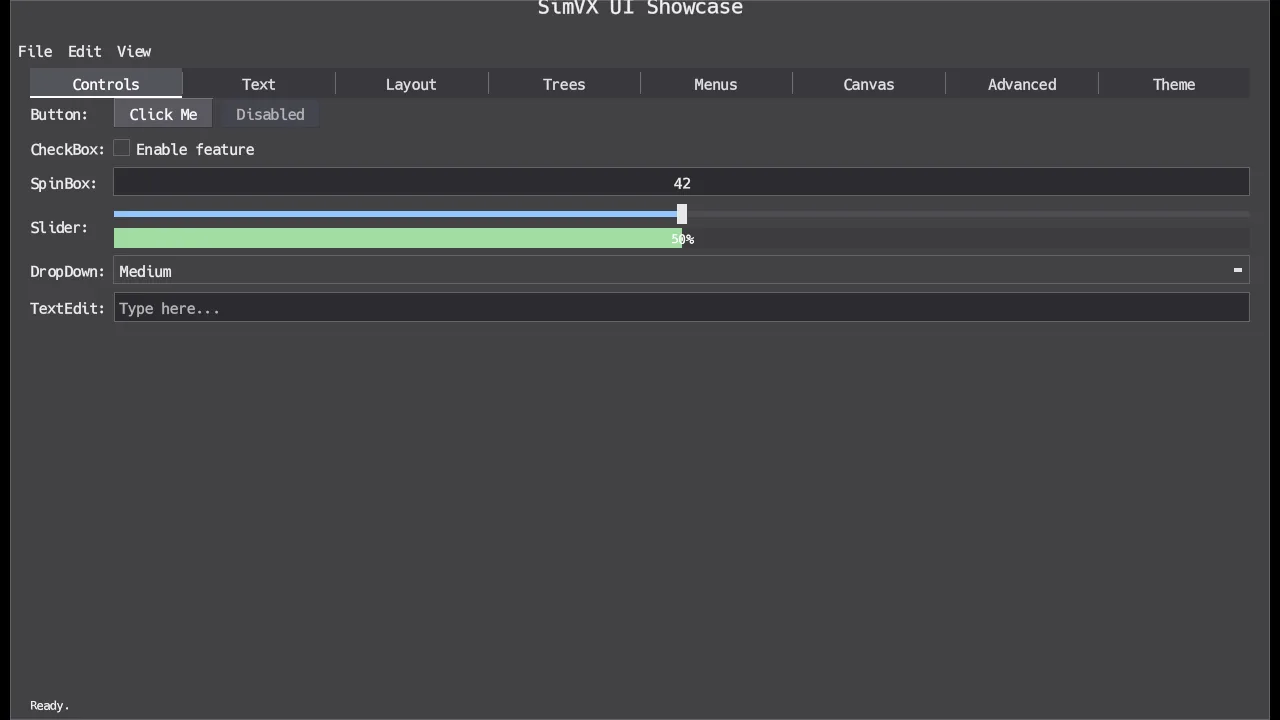
Viewport, scene tree, inspector, gizmos, and play mode. Built on the engine's own UI system — fully self-hosted.

💻

Integrated IDE

Code editor with syntax highlighting, LSP diagnostics, DAP debugging, terminal, file browser, search, and minimap. Everything you need without leaving the engine.

📦

Modular Packages

simvx-core (logic, no GPU), simvx-graphics (Vulkan), simvx-editor, simvx-ide. Use only what you need.

📤

Web Export

Export 2D games as standalone HTML files. Runs on Pyodide with WebGPU rendering — no server required, just open the file.

🌐

Cross-Platform

Linux, macOS (via MoltenVK), Windows, Android, and Web (via WebGPU). Multiple windowing backends: GLFW3, SDL3, and Qt.

Testing & Automation
End-to-end development with AI

SimVX is designed so an LLM can test-play your game, detect bugs, apply fixes, and verify the results — all without human intervention. Headless rendering, programmatic input, and full scene introspection make the entire develop-test-fix loop automatable.

Write game
AI test-plays
Capture frames
AI detects bug
AI applies fix
Validate

Session Replay CI

Record and replay both game and editor sessions deterministically. DemoRunner scripts define step-by-step sequences with MoveTo, Click, TypeText, PressKey, Wait, and Assert actions. Run them headlessly in CI to catch regressions without a display server.

Mocked Input System TESTING

InputSimulator injects key presses, mouse clicks, and scroll events directly into the engine's input pipeline. Test gameplay logic, UI flows, and editor workflows without touching a keyboard. Same API as platform input — your game can't tell the difference.

Direct Node Access API

Full programmatic access to the scene tree during tests. Query nodes by path, name, type, or group. Inspect properties, call methods, emit signals. SceneRunner advances frames and lets you assert on game state between each one.

Headless Rendering AI

App.run_headless() renders full Vulkan frames without a window and returns RGBA numpy arrays. Combined with scene state inspection, an LLM can play your game, screenshot the result, identify what went wrong, patch the code, and re-run — closing the loop autonomously.

# Replay an editor session in CI
from simvx.core.scripted_demo import (
    DemoRunner, Click, TypeText,
    PressKey, Wait, Assert
)

steps = [
    Click(400, 300),
    TypeText("player_name"),
    PressKey(Key.ENTER),
    Wait(1.0),
    Assert(
        lambda tree: tree.find("Player"),
        "Player node should exist"
    ),
]

# Run headlessly — no window, no GPU display
DemoRunner.run_headless(
    scene, steps,
    speed=50.0,
    max_frames=20000
)
# Simulate gameplay with mocked input
from simvx.core.testing import InputSimulator

sim = InputSimulator()

def on_frame(idx):
    if idx == 0:
        sim.tap_key("enter")   # Start
    if idx == 30:
        sim.press_key("left")  # Move
    if idx == 50:
        sim.release_key("left")
        sim.tap_key("space")   # Fire!

# Works identically to real input
frames = app.run_headless(
    game, frames=100,
    on_frame=on_frame,
    capture_frames=[99]
)
# Query the scene tree in tests
from simvx.core.testing import (
    SceneRunner, InputSimulator, scene_diff
)

runner = SceneRunner()
runner.load(MyGame())

# Advance 10 frames
runner.advance_frames(10)

# Direct node access
player = runner.find("Player")
assert player.position == Vec2(100, 200)

# Simulate input, advance, assert
sim = InputSimulator()
sim.tap_key("space")
runner.advance_frames(1)
assert player.velocity.y < 0  # Jumped!

# Compare scene state snapshots
before = runner.snapshot()
runner.advance_frames(60)
diff = scene_diff(before, runner.snapshot())
assert "score" in diff.changed
# Inspect state + capture frames for LLM debugging
from simvx.graphics import App
from PIL import Image

app = App("My Game", 800, 600)

# Render 100 frames, capture the last one
frames = app.run_headless(
    MyScene(),
    frames=100,
    capture_frames=[99]
)

# frames[0] is a numpy array (H, W, 4) uint8 RGBA
img = Image.fromarray(frames[0][:, :, :3])
img.save("debug_frame.png")

# Feed to vision model for analysis
# "What's wrong with this frame?"
# "The player sprite is clipping through
#  the wall at position (320, 180)"
#
# Capture frames for visual regression
# testing or LLM-assisted debugging.
Get Started
Clone and run
$ git clone https://fezzik.dev/fezzik/simvx.git && cd simvx && uv sync click to copy

Requires Python 3.13+ · Vulkan 1.2+ · GLFW3 · glslc

Source Code Documentation
License
Free to use, fair to scale

SimVX is free for non-commercial use — personal projects, game jams, education, research. A commercial license is only required if your project generates more than $1,000 in revenue. Source code releases are freely available.

License Details