Examples Gallery
Browse every SimVX example. Use the checkboxes to filter by category and the search box to narrow by title or tag.
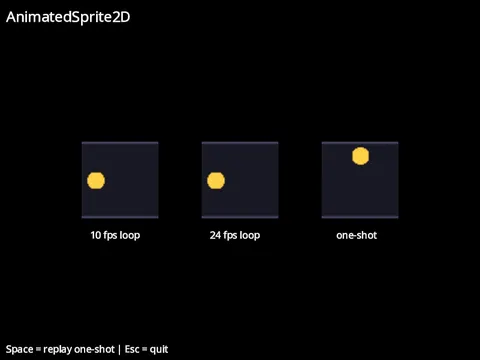
Animated Sprite
frame animation from a spritesheet.
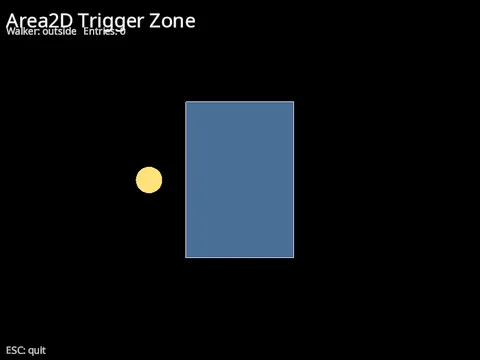
Area2D
a trigger zone that reports bodies entering and leaving.
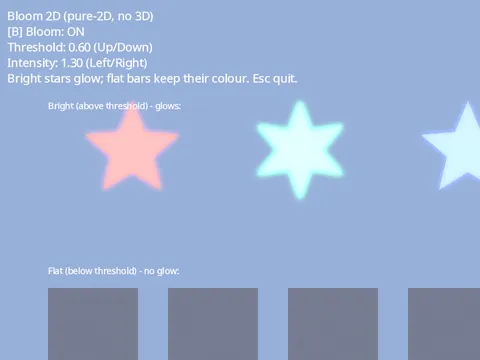
Bloom 2D
glow on a pure-2D scene.
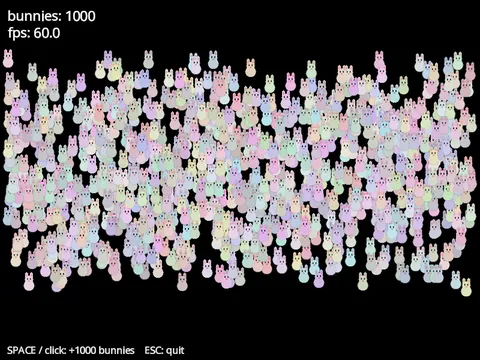
Bunnymark
a sprite-renderer stress test.
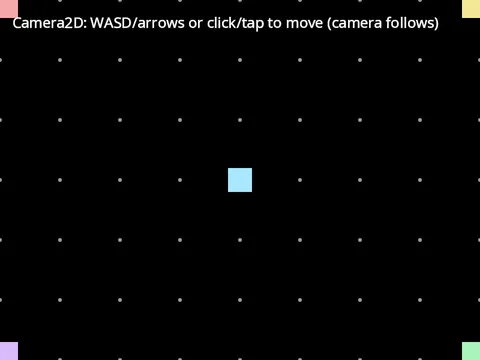
Camera2D
follow a target with smoothing, zoom, and edge limits.
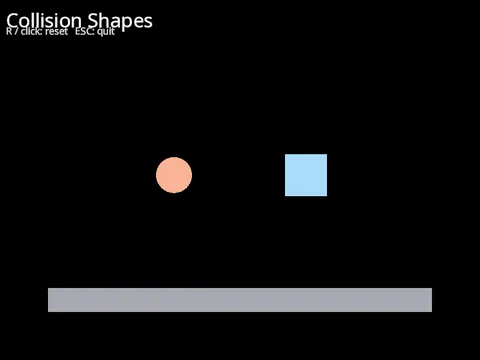
Collision Shapes
A circle and a box body falling onto a static floor.
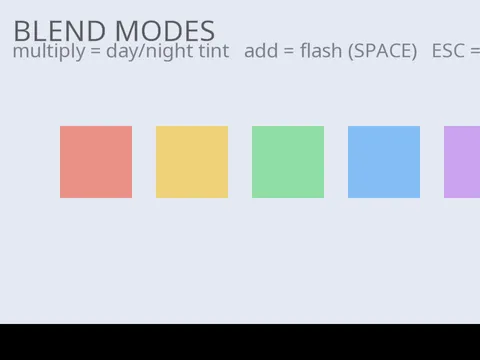
Blend Modes
a multiply day/night tint and an additive flash.
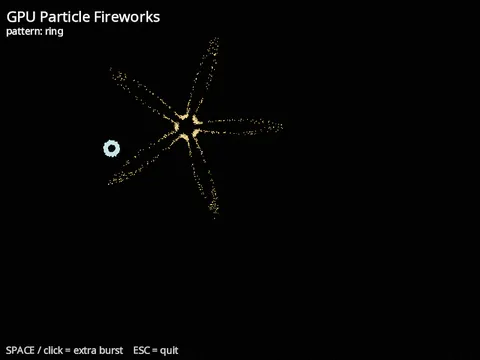
GPU Particle Fireworks.
A fireworks show built from one-shot GPUParticles2D bursts, cycling through the velocity patterns that give each burst its silhouette.
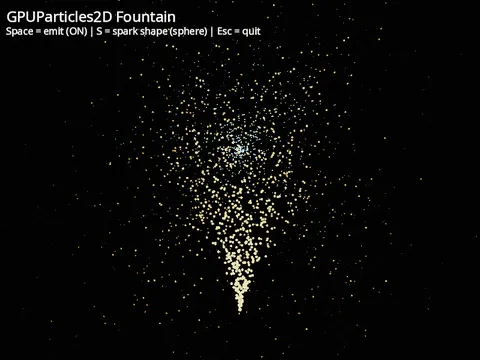
GPU Particles 2D
a particle fountain simulated on the GPU.
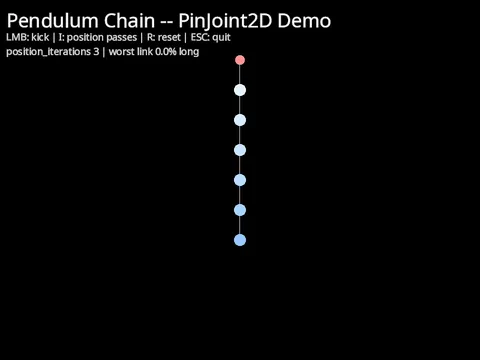
2D Joints
a pendulum chain built from PinJoint2D.
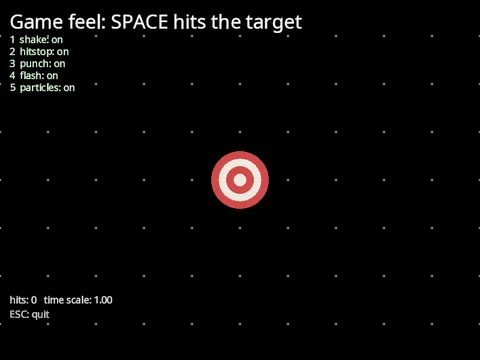
Game feel
composing shake, hitstop, punch, flash and particles
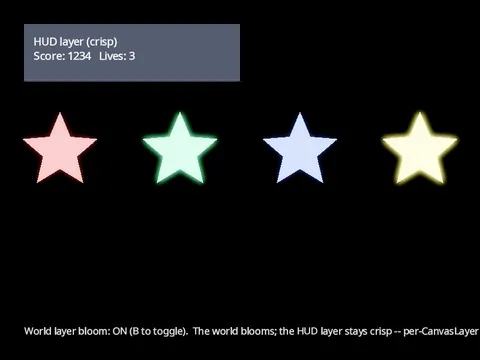
Layer post
bloom the world, keep the HUD crisp.
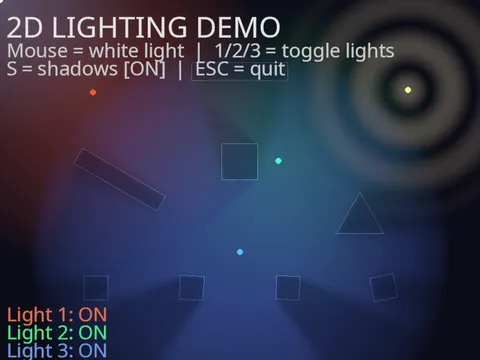
2D Lighting
coloured point lights and shadow-casting occluders.

Line joints and caps
Every Line2D joint, cap and gradient side by side.
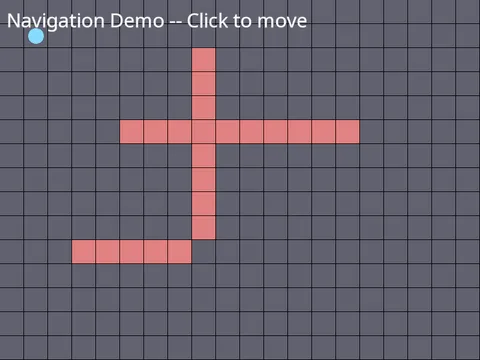
Navigation
grid A* pathfinding with a click-to-move character.
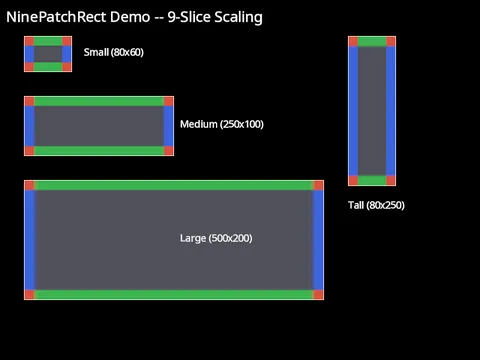
NinePatchRect
9-slice panel scaling.
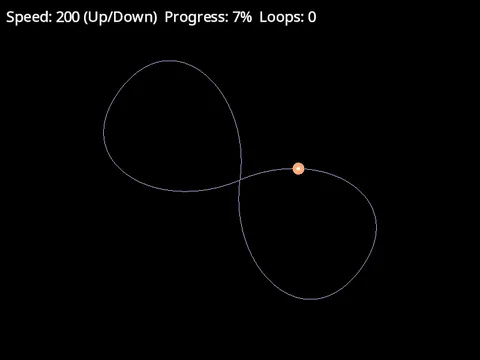
2D Path Follow
an arrow rides a figure-8 bezier curve.
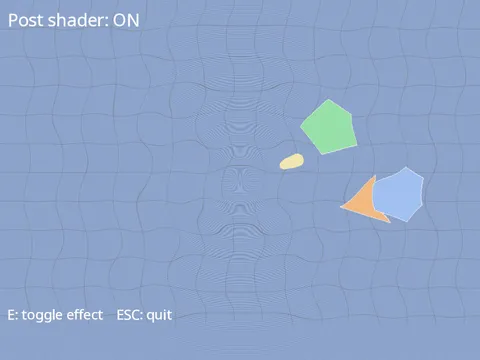
Post Shader 2D
your own GLSL over a pure-2D scene.
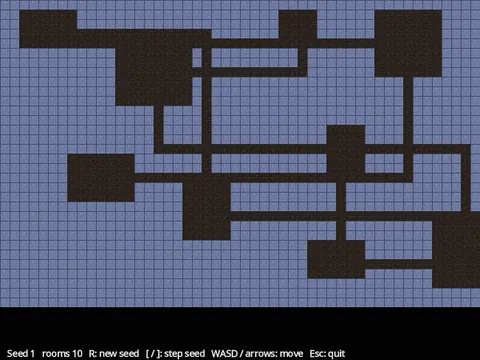
Procedural Dungeon
rooms and corridors on a TileMap.
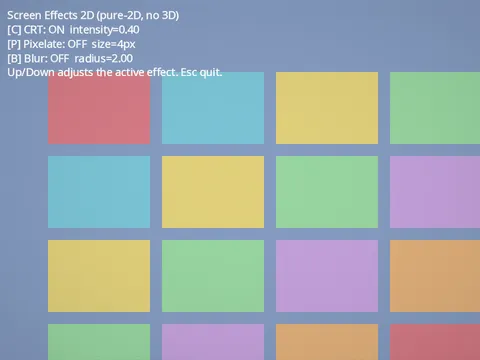
Screen Effects 2D
CRT scanlines, pixelate and blur.
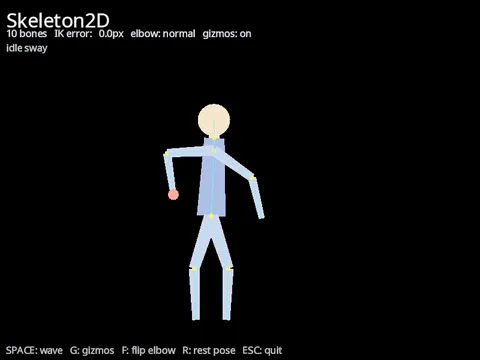
Skeleton2D
bone hierarchies, rest poses and two-bone IK.
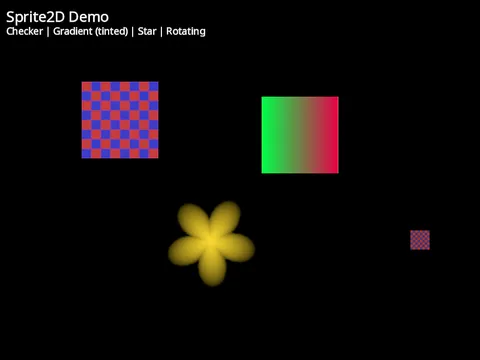
Sprite
Draw textured quads with Sprite2D.
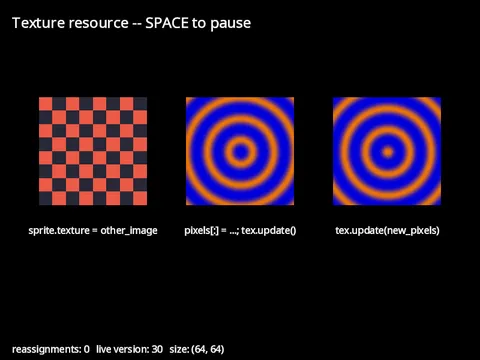
Texture resource
change a sprite’s image at runtime.
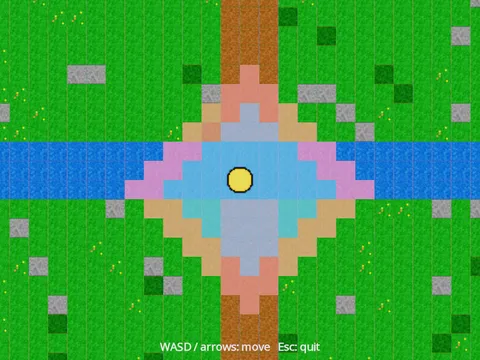
TileMap
a two-layer tile world with a camera that follows the player.
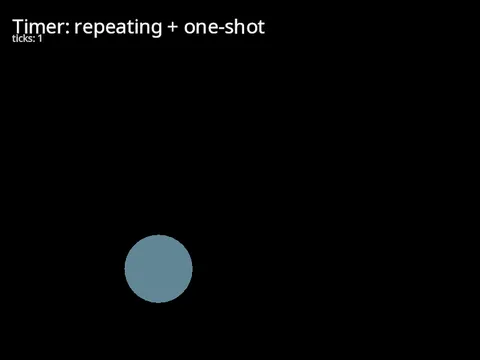
Timer
run code on a delay or at a repeating interval.
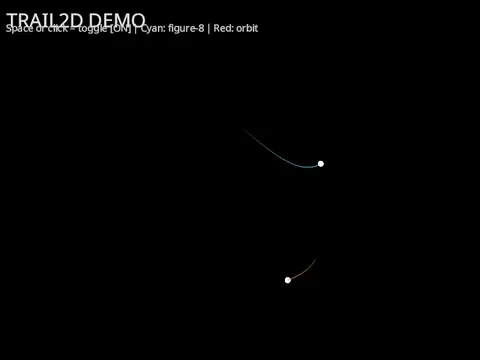
2D Trail
fading ribbons behind moving objects.
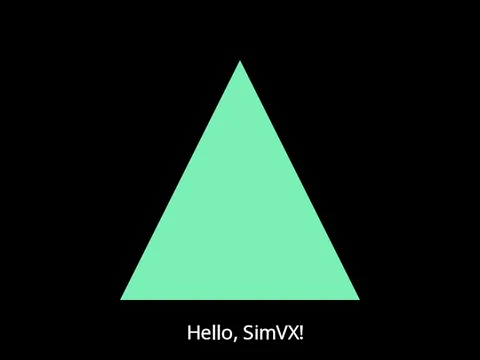
Triangle
the smallest custom-draw scene.
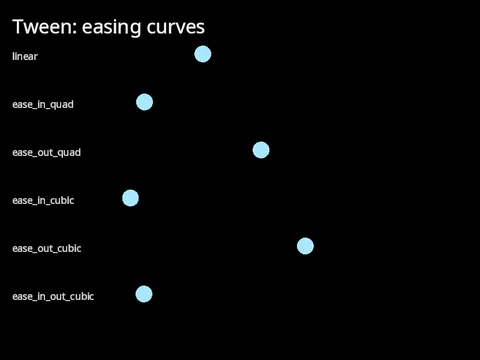
Tween
animate any property over time with easing.
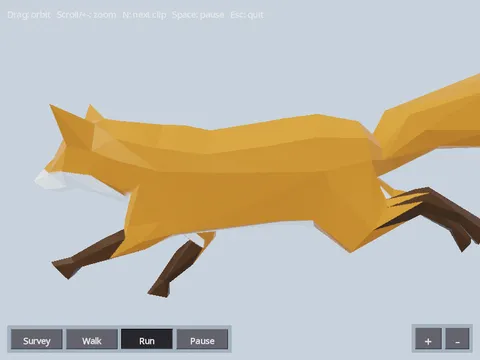
Animated Model
load a rigged glTF and play its skeletal animation.
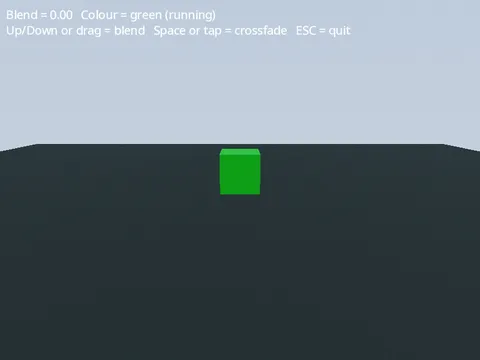
Animation Blend
BlendSpace1D, crossfade, and keyframe events.
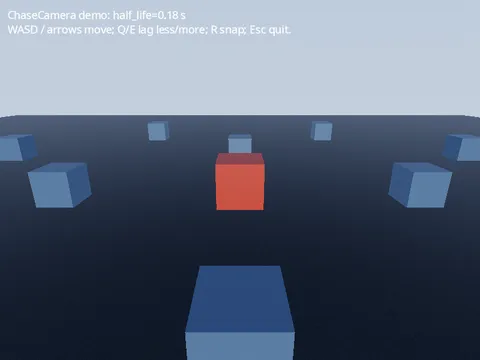
Chase Camera
a third-person camera that lags behind its target.
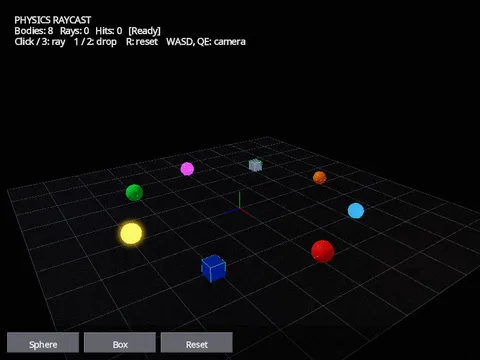
Physics Raycast Sandbox
drop bodies into a PhysicsRoot and raycast against them.
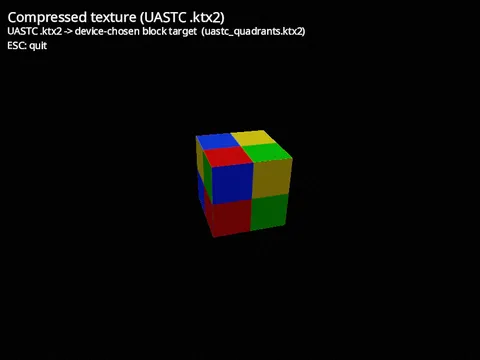
Compressed Texture.
A block-compressed texture stays compressed in GPU memory, so it takes a fraction of the space of the same image as RGBA. SimVX loads the portable UASTC encoding from a KTX2 file, and a .ktx2 path goes wherever any other image path does: here it is the albedo_map of a Material on a spinning cube.
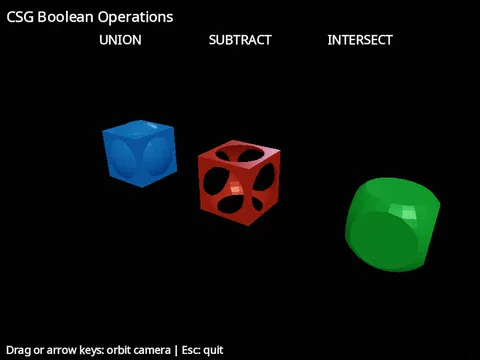
CSG
Boolean Operations on 3D Shapes.
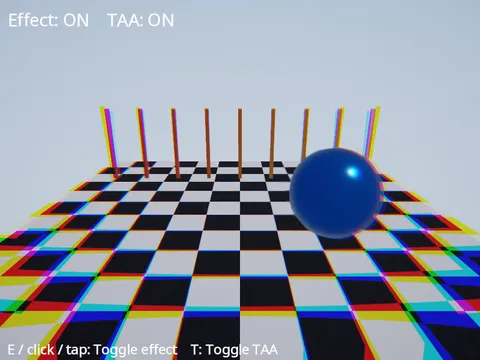
Custom Post-Process
your own GLSL fullscreen effect.
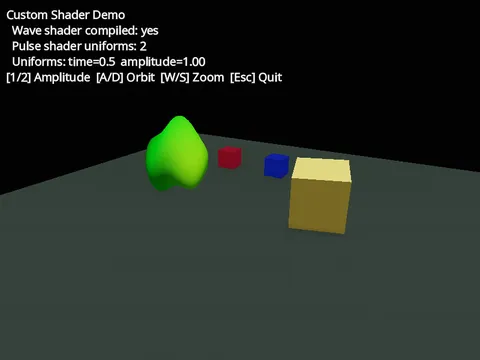
Custom Shader
ShaderMaterial with inline GLSL and animated uniforms.
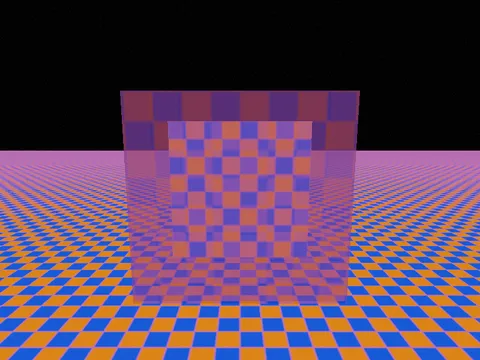
Custom Shader Textures
sampling a texture and blending from a ShaderMaterial.
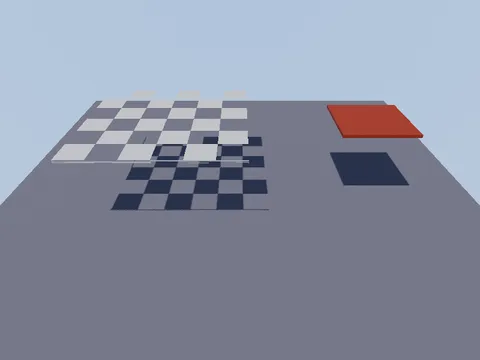
Cutout shadows
an alpha-tested material casts a holed shadow.
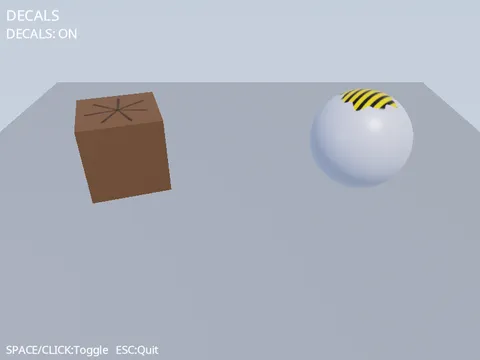
Decals
projecting textures onto surfaces with Decal3D.
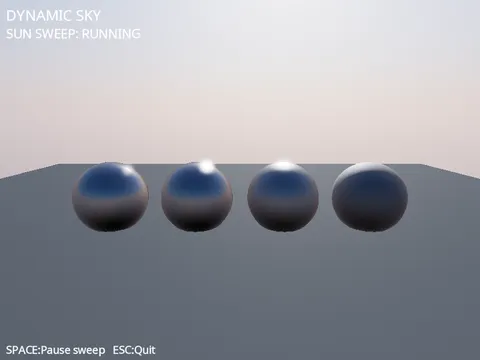
Dynamic Sky
a procedural day-night sky that lights the scene.
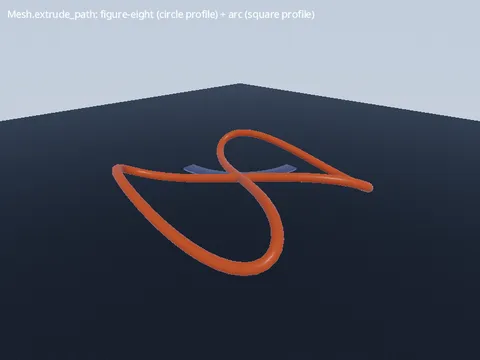
Extrude Path
sweep a profile along a 3D centerline.
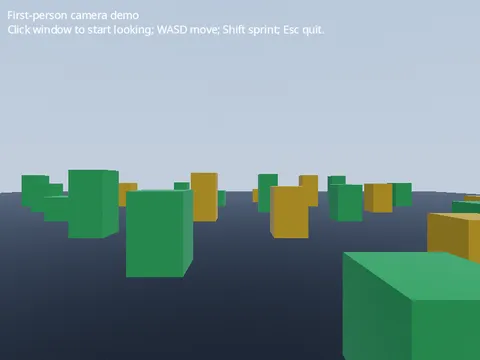
First-Person Camera
walk and look around from the player’s eyes.
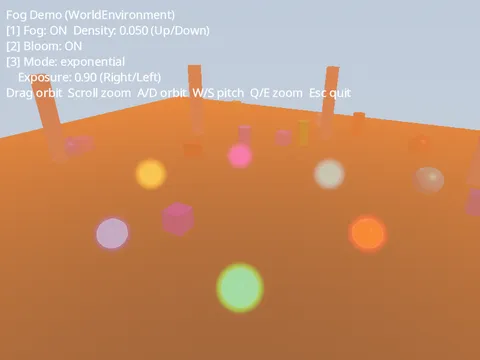
Fog
Distance-based fog via WorldEnvironment.
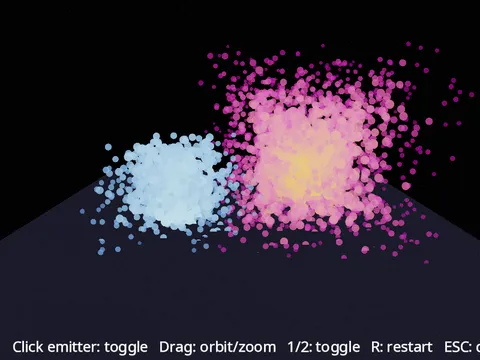
GPU Particles 3D
two emitters simulated entirely on the GPU.
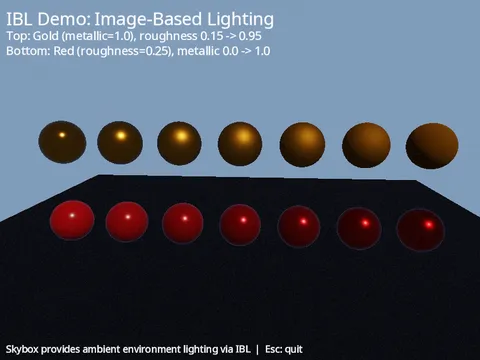
IBL
Image-based lighting on metallic spheres.
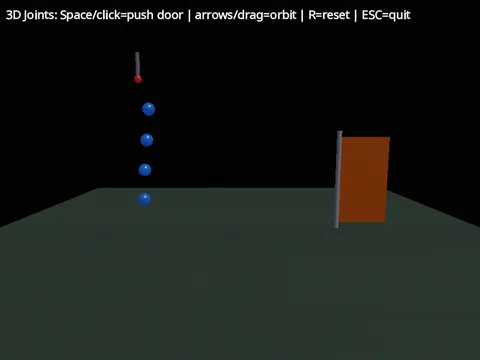
3D Joints
A pinned chain and a hinged door, built from PinJoint3D and HingeJoint3D.
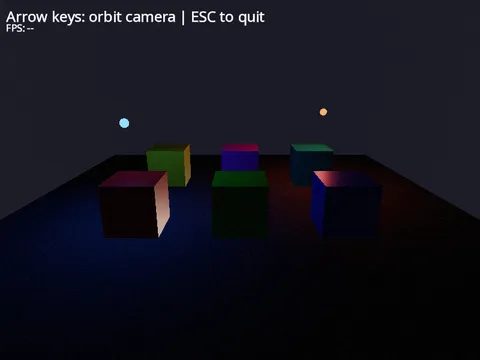
3D Lighting
Directional and orbiting point lights.
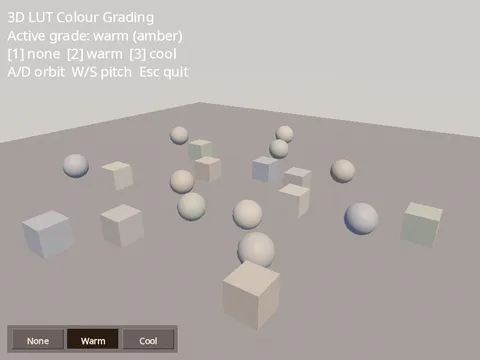
LUT Grading
3D-LUT colour grading via WorldEnvironment.
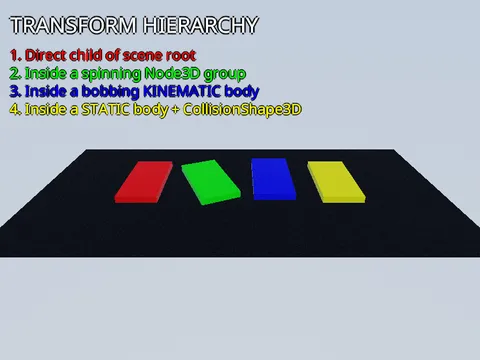
Transform Hierarchy
a MeshInstance3D follows any parent transform.
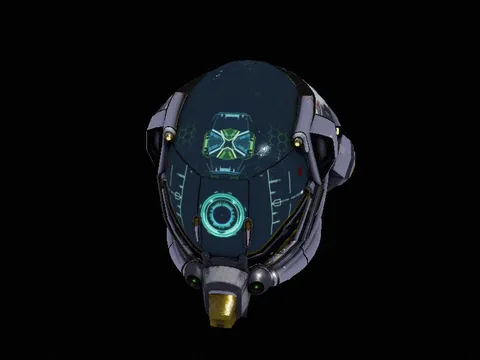
Model Viewer
load a glTF model with PBR textures and frame it with an orbit camera.
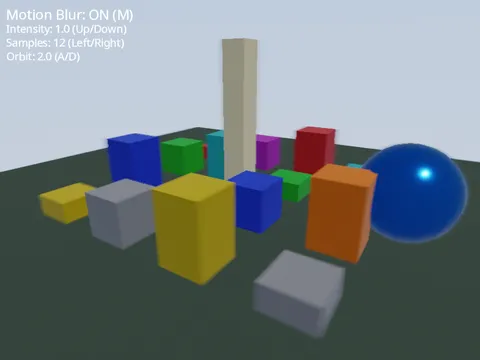
Motion Blur
Camera motion blur on a WorldEnvironment, over a scene of orbiting cubes.
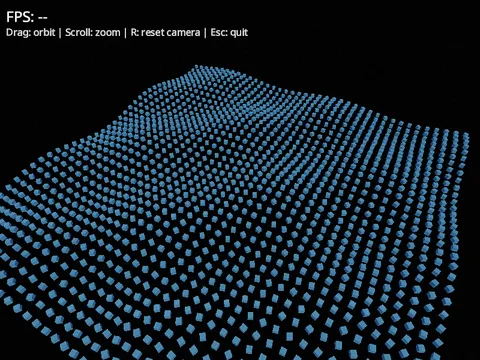
MultiMesh
Thousands of cubes in one draw call.
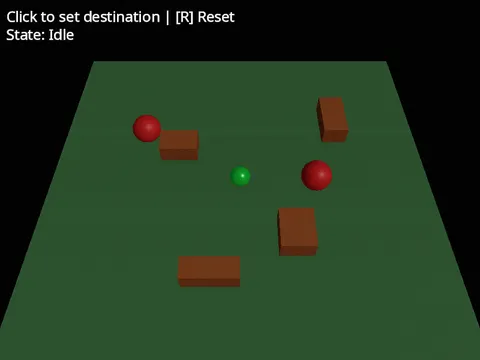
3D Navigation
click-to-move pathfinding on a navmesh with carved obstacles.
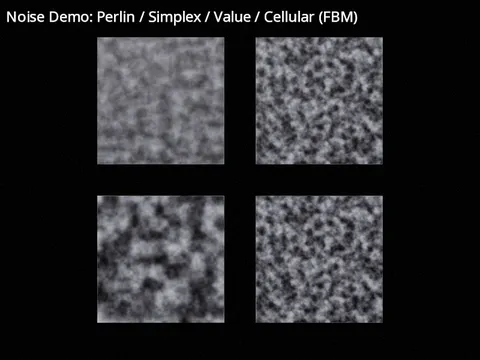
Noise
Perlin, Simplex, Value and Cellular noise side by side.
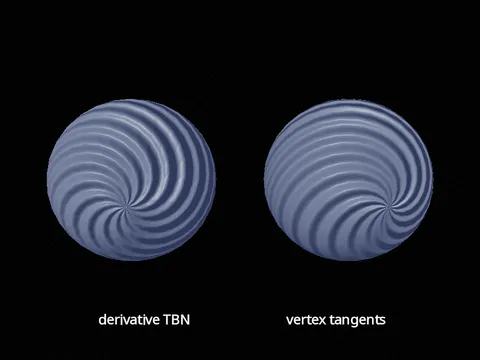
Normal mapping
vertex tangents and the derivative fallback.
Occlusion Culling
a GPU Hi-Z cull skips what a near wall hides.
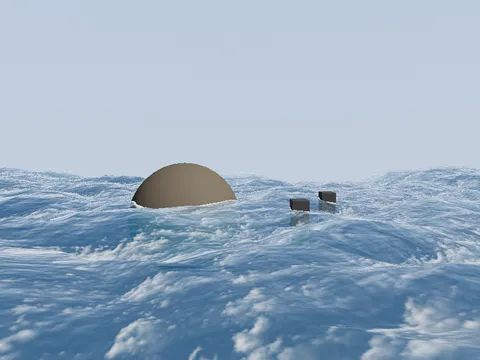
FFT Ocean.
OceanSurface3D is an open-sea plane whose waves come from an FFT of a Tessendorf (Phillips) spectrum rather than a sum of analytic waves. Each frame the spectrum is inverse-transformed into displacement, slope and foam maps for up to three cascades, from long swell to fine ripple, which sum into rolling swell, choppy crests and foam on the steep, folding faces. The quality tier picks the cascade count and texture size.
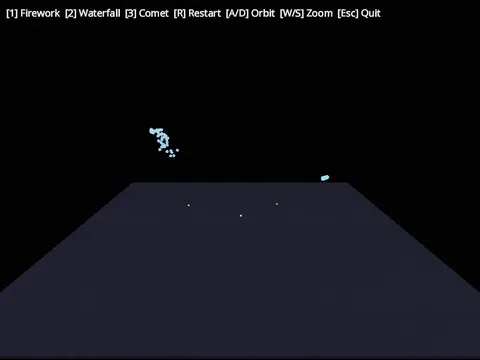
Particles
CPU particle emitters with sub-emitters, collision, trails and seeds.
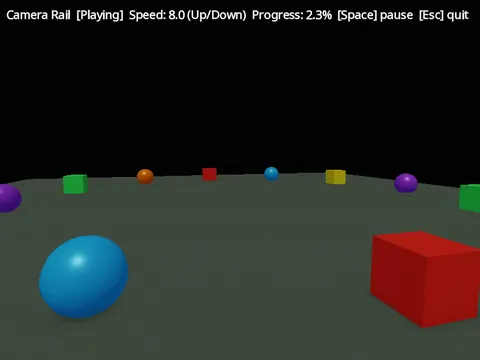
3D Path Follow
a camera rail spirals up around a ring of shapes.
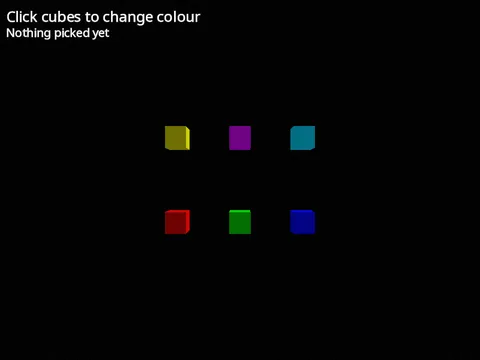
Mouse Picking
click cubes to change their colour.
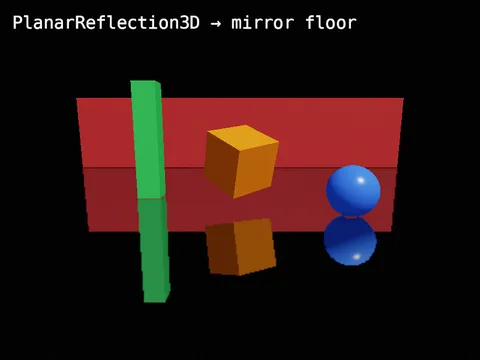
Planar Reflection
a mirror floor reflecting the scene above it.
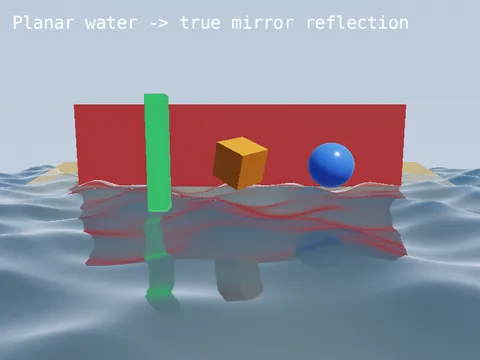
Planar Water
a Gerstner sea that mirrors the world above it.
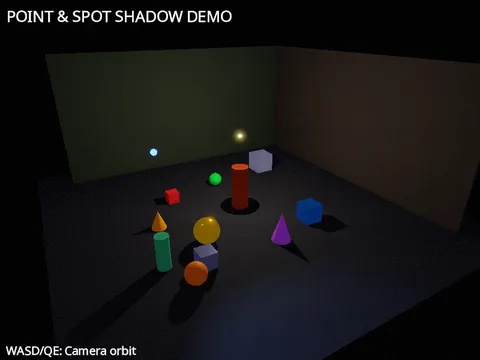
Point and Spot Shadows
shadow maps from positional lights.
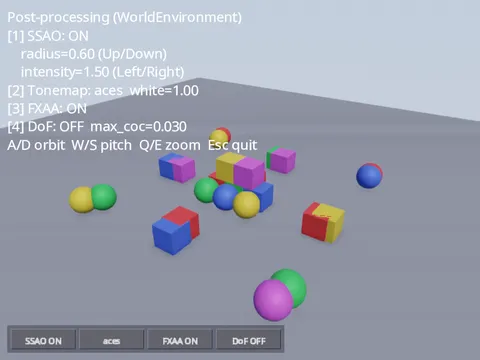
Post-processing
SSAO, tonemapping, FXAA and depth of field on a WorldEnvironment.
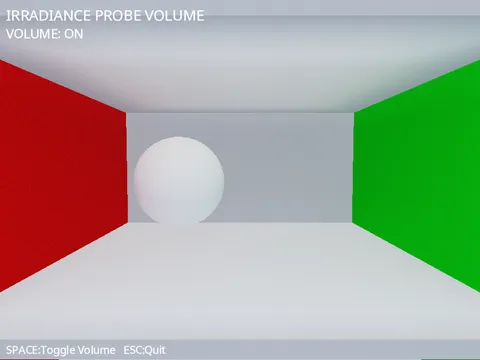
Irradiance Probe Volume
baked diffuse light that bleeds wall colour onto a moving object.
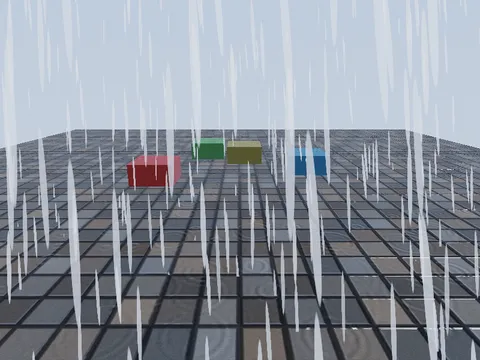
Rain and wetness
a GPU downpour over a rain-slicked courtyard.
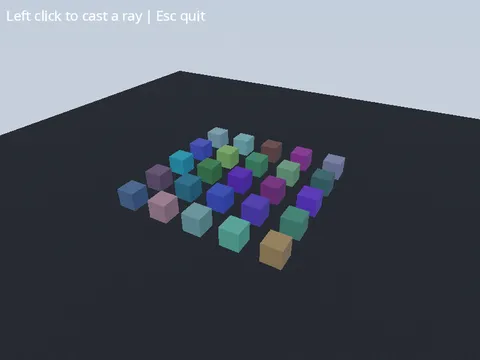
Raycast
click a cube to cast a ray through the pointer and see where it lands.
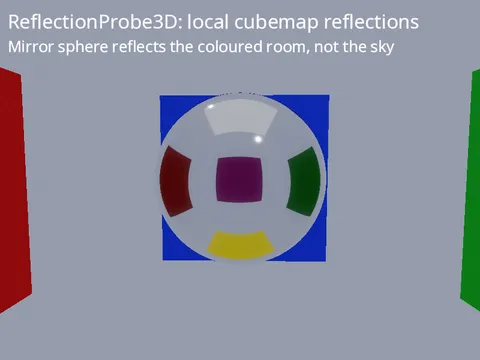
ReflectionProbe3D
local cubemap reflections inside a box.
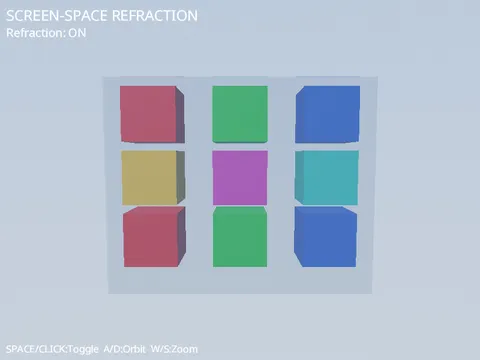
Screen-space refraction
a glass ball bends the scene behind it.
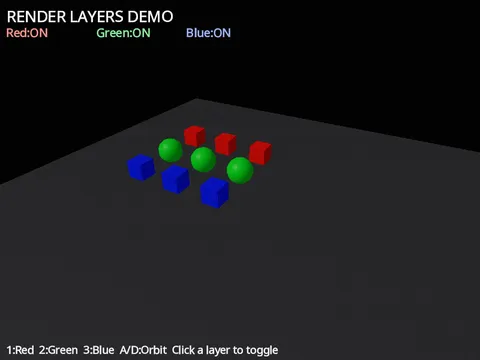
Render Layers
choose which objects a camera draws.
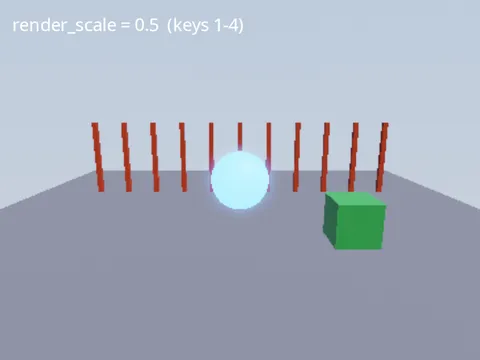
Render scale
the 3D scene at a lower resolution, the UI at native resolution.
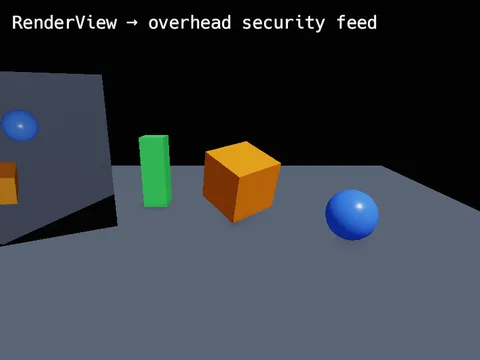
RenderView
the main scene from a second camera, shown on an in-world monitor.
Rotating Cube
Smallest 3D scene.
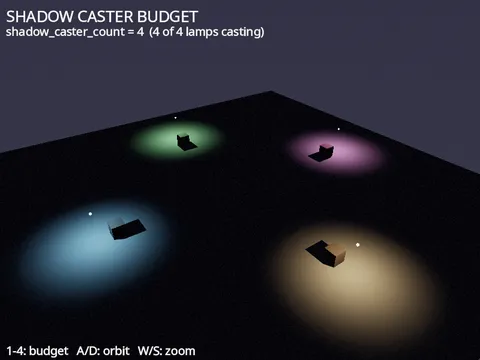
Shadow Caster Budget
several point lights casting at once.
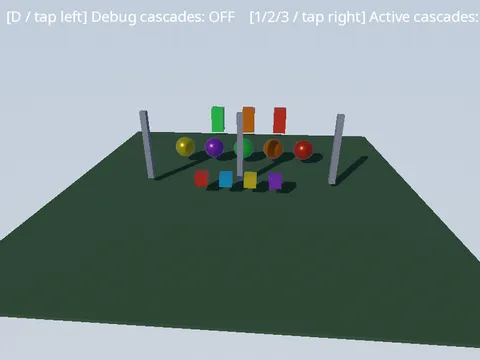
Cascaded Shadows
how a directional light’s shadow map is split over distance.
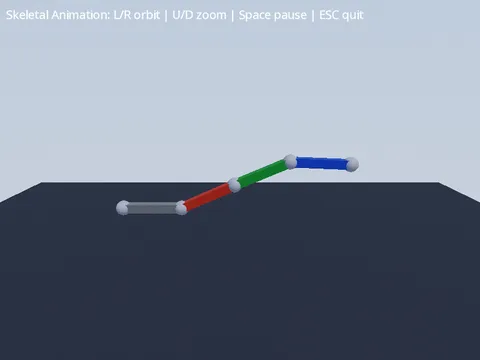
Skeletal Animation
a four-bone arm waving under an AnimationPlayer.

Split Screen
two players in one 3D world, each with their own RenderView.
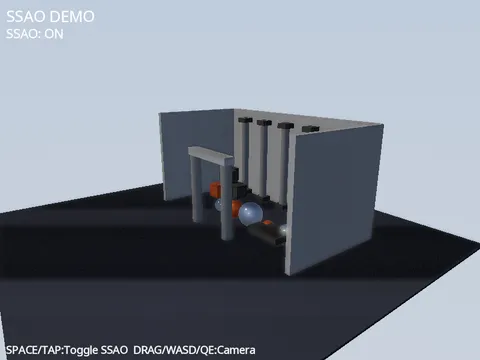
Screen-Space Ambient Occlusion
contact shadows where surfaces meet.
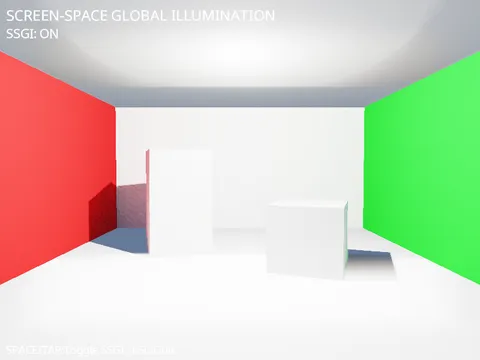
Screen-space global illumination
coloured light bleeding between surfaces.
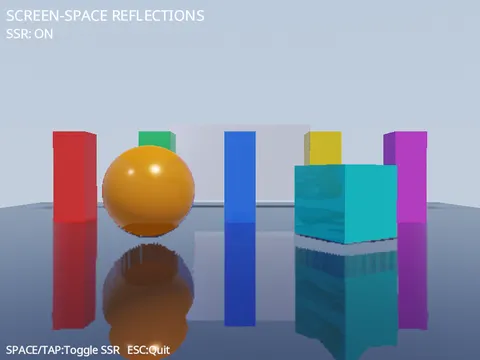
Screen-space reflections
a glossy floor mirroring the scene above it.

SubViewport
Render a Live 3D Scene to a Texture.
SubViewport Occlusion
an offscreen view that culls what its own camera cannot see.
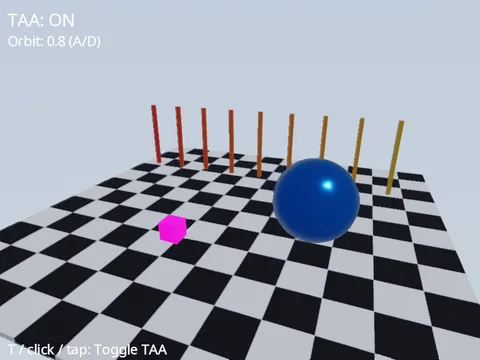
TAA
temporal anti-aliasing steadies thin edges under a moving camera.
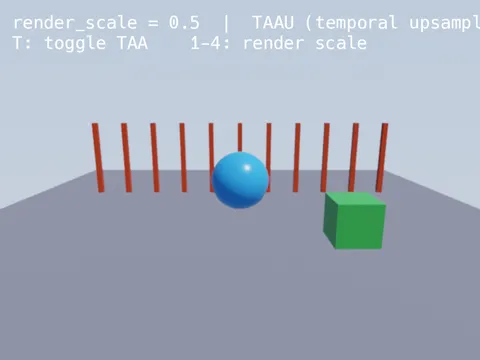
TAAU
temporal upsampling rebuilds a sharp image from a low-resolution render.
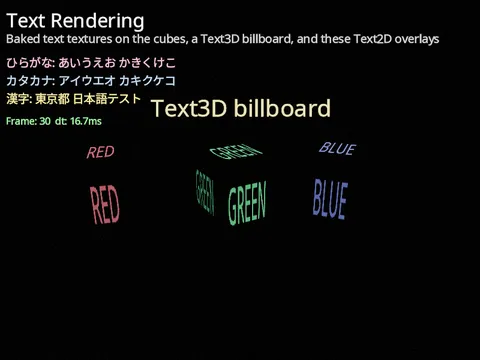
3D Text Rendering.
Three ways to put text in a 3D scene, and how non-Latin scripts are handled.
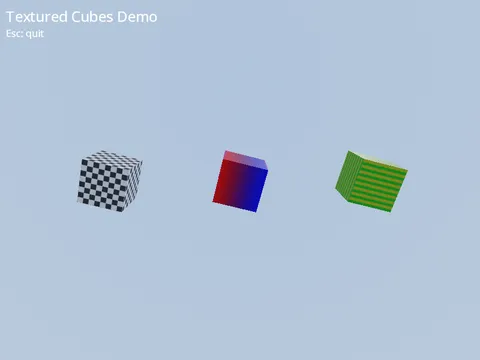
Procedural Textures
NumPy Arrays as Material Maps.
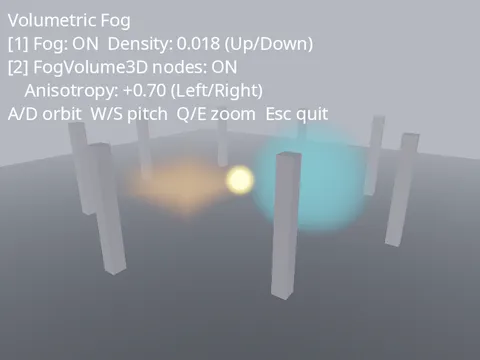
Volumetric Fog
Ray-marched light scattering and local FogVolume3D regions.
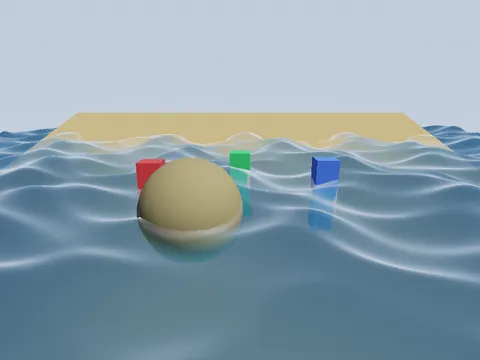
Water Surface.
An animated sea over a sloped sandy floor, with three pillars standing in the water and a half-sunk sphere forming an island.

Wireframe
Draw a mesh’s edges with Material(wireframe=True).
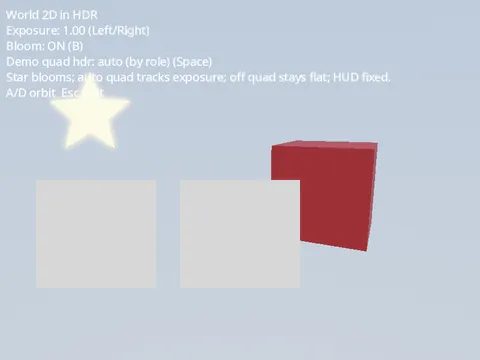
World 2D in HDR
2D that tonemaps and blooms with the 3D scene.
Agent Playtest
an LLM agent drives a running SimVX game, headless.
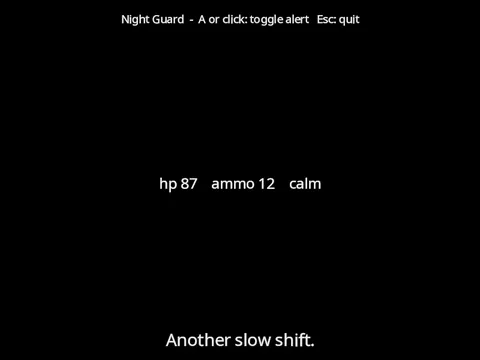
LLM NPC Flavour
an NPC whose barks come from a language model without ever stalling the game.
Node-Gen
generate a Node subclass from a description.
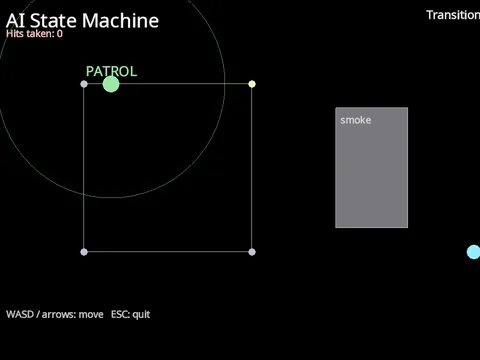
AI State Machine.
A finite-state machine drives an enemy through four states: PATROL walks a loop of waypoints, CHASE closes in once the player is inside its vision radius with a clear line of sight, ATTACK strikes on a cooldown at close range, and RETURN walks back to the nearest waypoint when the player escapes. The grey smoke cloud blocks sight but not movement: a patrolling enemy cannot see the player through it, and a chase that loses sight of the player for 1.5 seconds gives up. The live state floats above the enemy, and every transition is written to the log at the top right.
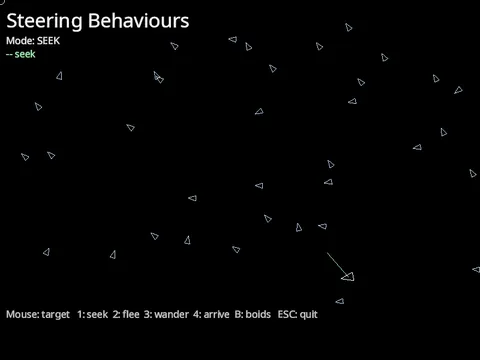
Steering behaviours
agents that seek, flee, wander, arrive and flock.
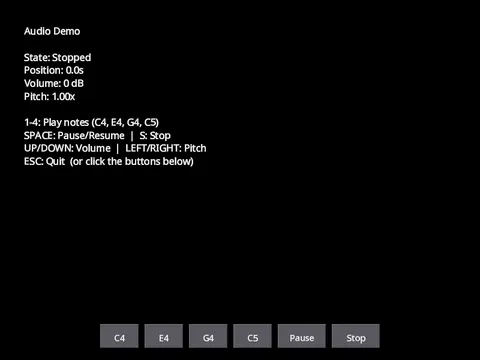
Audio Playback
play, pause and stop tones, and change volume and pitch live.
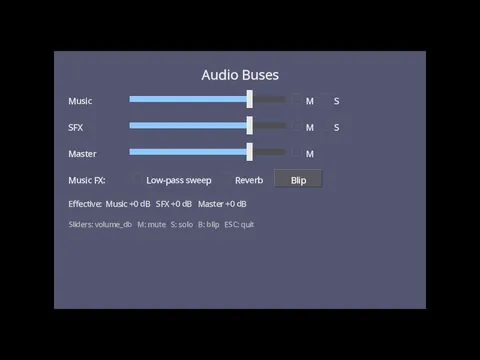
Audio Buses.
Buses are the mixing desk every sound passes through. AudioBusLayout.get_default() holds five of them: Master, with Music, SFX, Voice and UI sending into it. A player chooses its bus with the bus property, which accepts only those five names:
Music Streaming
loops that crossfade and duck under dialogue.
Spatial Audio
3D positional sound that pans as the source orbits you.
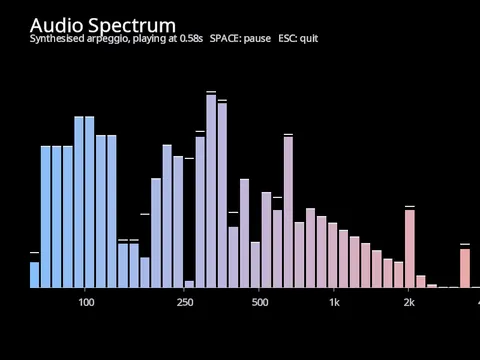
Audio Spectrum
FFT bars over a synthesised arpeggio.
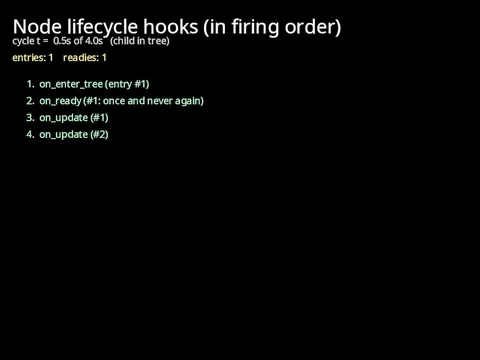
Lifecycle
the order node hooks fire, made visible.
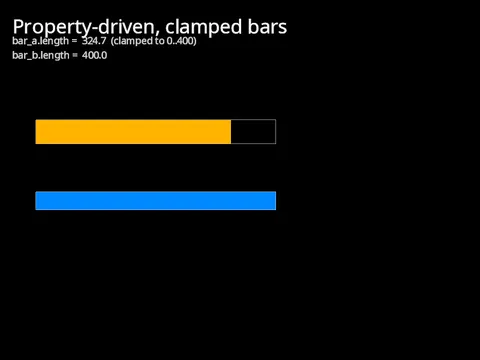
Properties
validated, editor-visible node values.
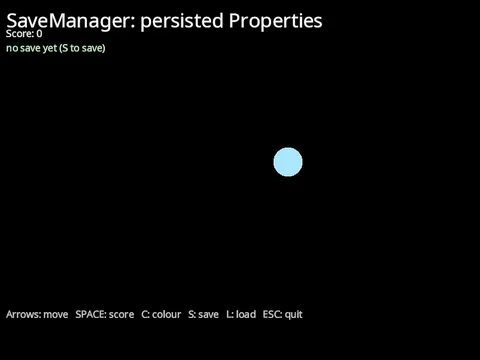
SaveManager
save, load and migrate persisted Properties.
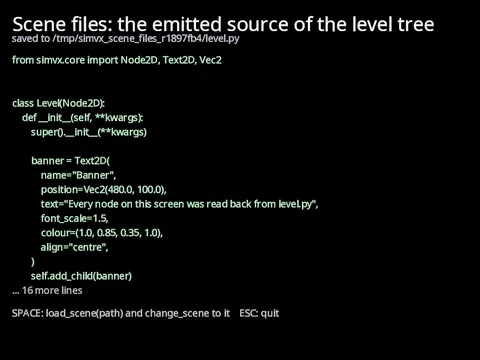
Scene Files.
A SimVX scene is a Python source file holding a Node subclass, so a saved scene is readable, diffable and editable by hand. This example builds a small level in code, saves it, shows the source it wrote, then loads the file back and switches to it.
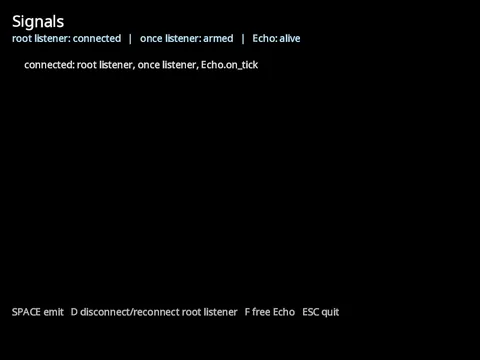
Signals.
A signal is how a node announces that something happened without knowing who cares. The emitter declares it, listeners connect to it, and emitting calls every connected listener in turn.
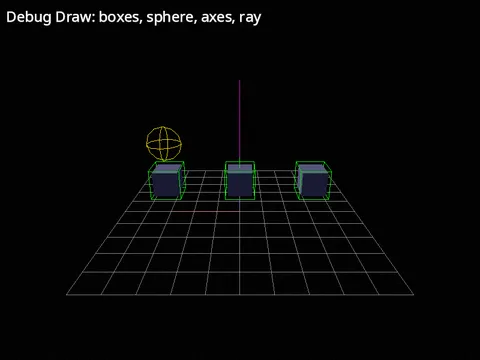
Debug Draw
Wireframe boxes, spheres, axes, and rays.
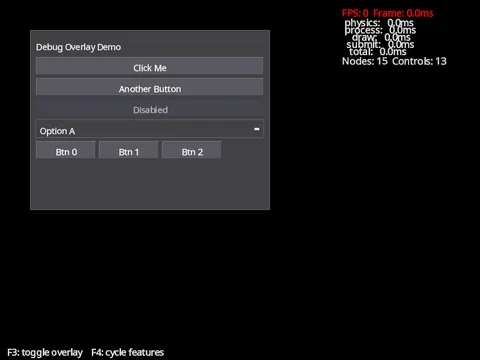
Debug Overlay
the engine’s built-in on-screen diagnostic HUD.
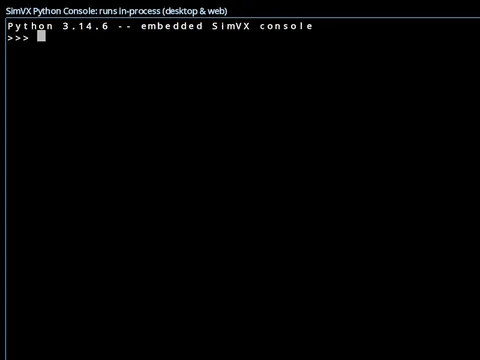
Python Console
an interactive Python prompt inside the running game.
Terminal
Your login shell running inside a SimVX window.
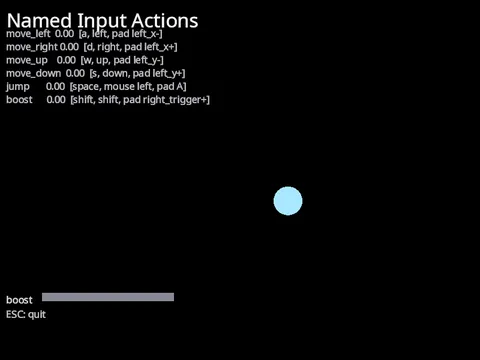
Named Input Actions
An action is a name for what the player means (“move”, “jump”) rather than for the key that means it. A node declares its actions in an input_context dictionary on the class, and they are in force exactly while that node is in the tree; on the root they cover the whole scene. Game code then asks Input.value("move") and never needs to know which device answered.

Controller Tester.
Reads a game controller directly, every frame, and draws what it reports: both sticks as a crosshair in a circle, the analogue triggers as fill bars and every standard button as a dot that lights while it is held.

Standard Controls
move, jump, shoot at the cursor, and rebind any of it.

Touch Gestures as Controls.
A map you pinch, twist and pan with two fingers, or drive with a mouse and keys. Every gesture is a control, bound in the node’s input_context exactly as a key is, and read with Input.value or Input.just_pressed.

Physics Backend Compare
The builtin solver and Jolt, side by side in one scene.
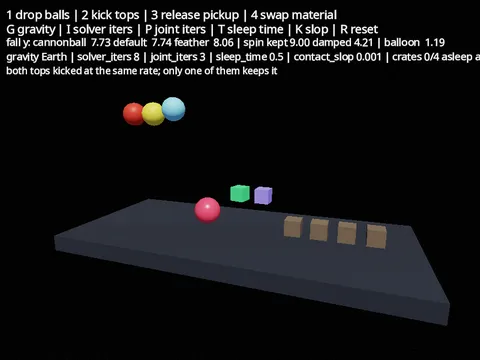
Body and World Knobs
damping and gravity scale per body, the rest per world.
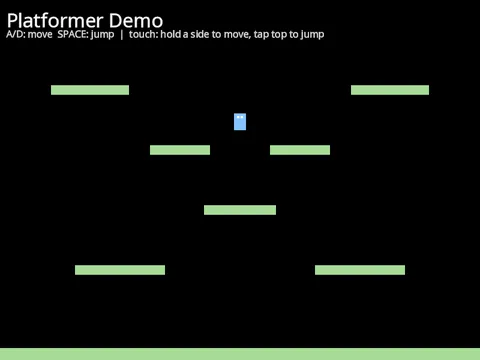
Character Platformer
CharacterBody2D with gravity, jump, and platforms.
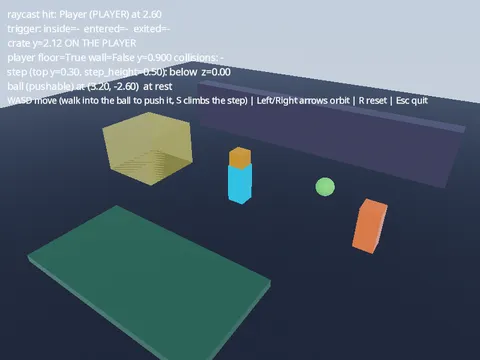
Character Presence
a character body is an ordinary kinematic body.
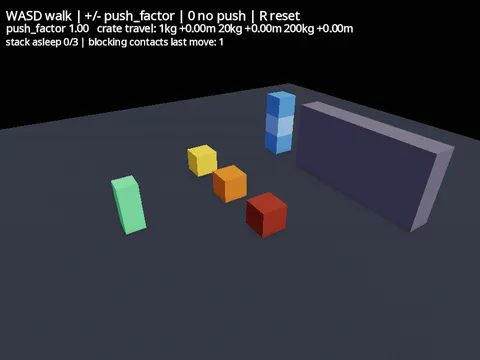
Character Push
a character shoves what it walks into, by mass.
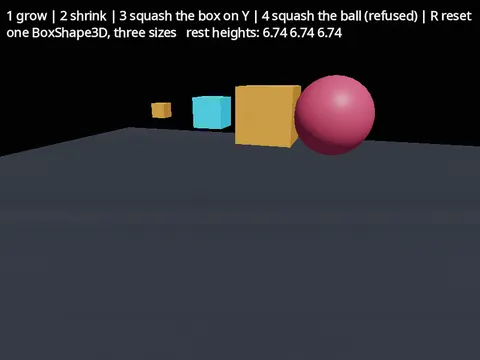
Scaled Colliders
one shape resource, many sizes, and the collider matches the mesh.
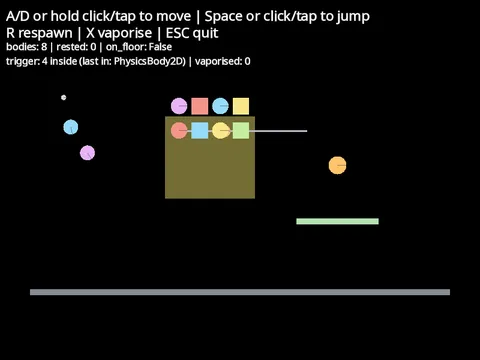
2D Physics Playground
rigid bodies, a character, one-way platforms, and joints.
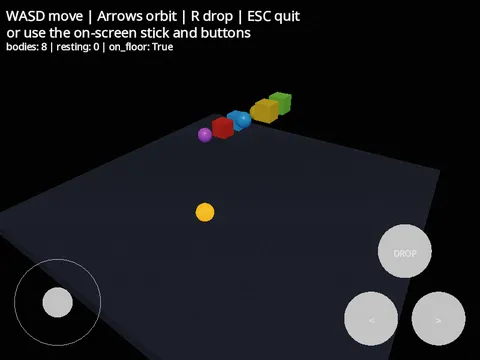
3D Physics Playground
falling bodies and a walking character.
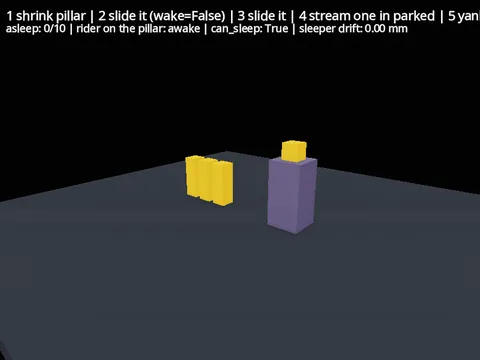
Sleeping Bodies
what wakes a settled pile, and how to edit one without waking it.
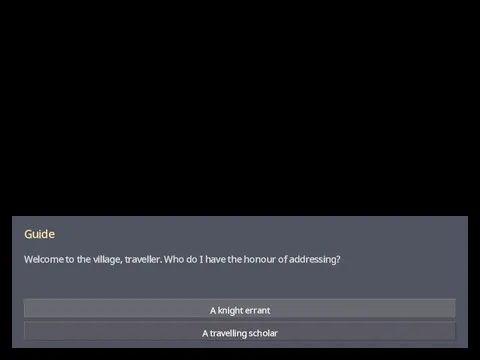
Dialogue Box
branching NPC dialogue with selectable choices.
Touch Gestures
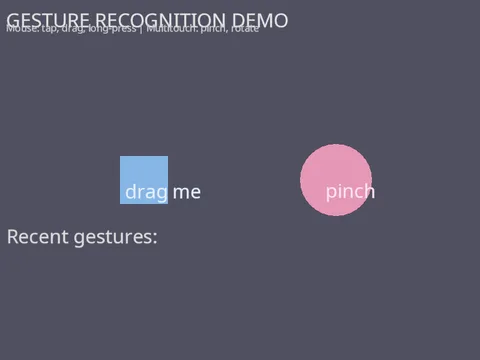
tap, long press, swipe, pinch, rotate, pan.
Health bars
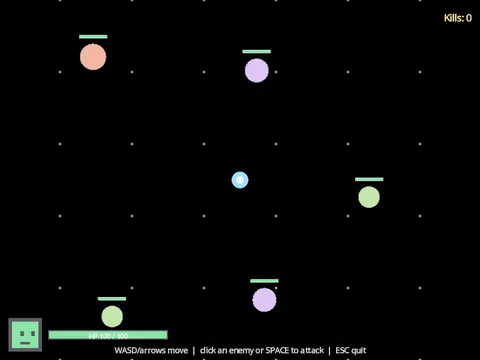
world-space bars over enemies, floating damage numbers and a fixed HUD.
HUD Anchors
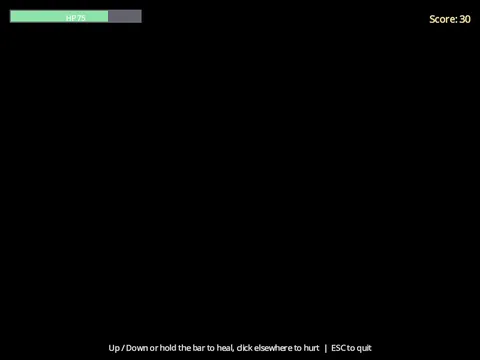
a game HUD pinned to screen corners that follows the window.
Internationalisation
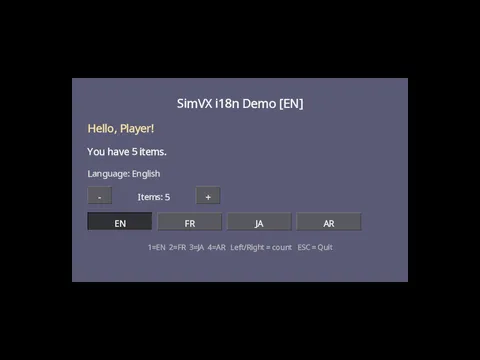
switch UI language and watch plural rules update live.
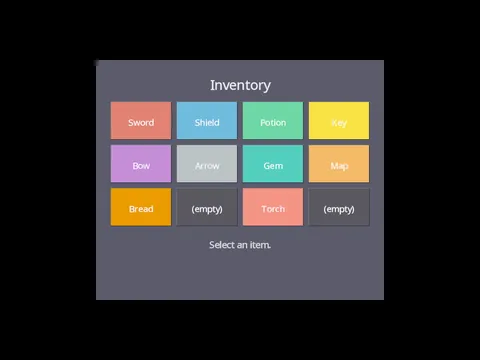
Grid Inventory
a 4x3 grid of selectable item slots.
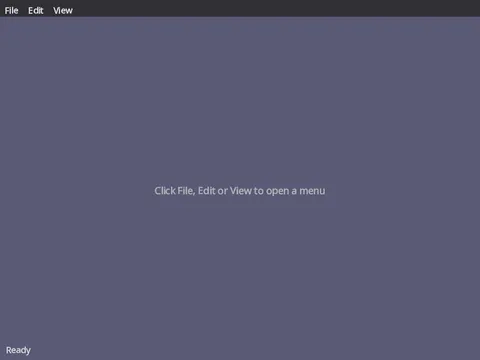
Menu Bar
a desktop-style menu strip with dropdown menus.
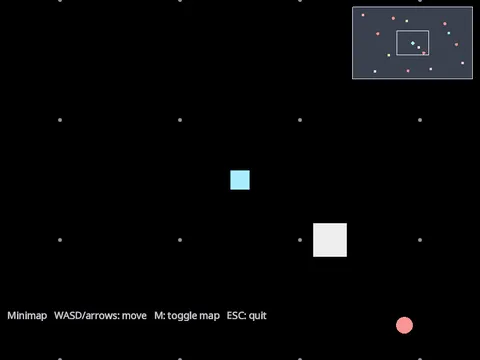
Minimap
a corner overview of a scrolling 2D world.
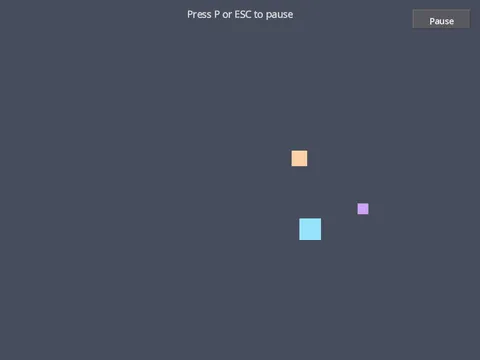
Pause Menu
freeze the game with tree.paused and show a modal overlay.

Rotated Controls
widgets turn, scale and take clicks along with their parent.
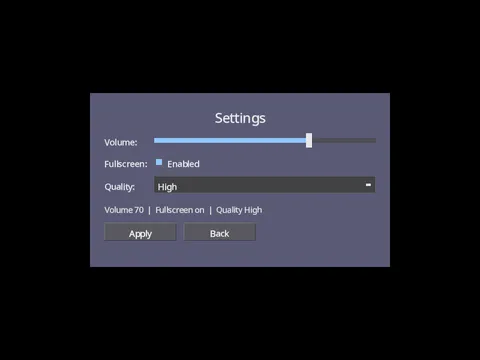
Settings Screen
a centred options panel with a live interface-size slider.
Splash Screen
the branded boot splash and a reusable loading screen.
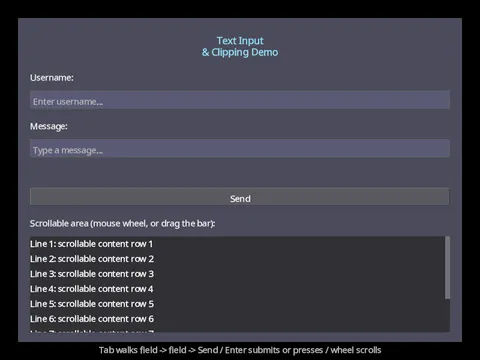
Text Input
single-line TextEdit fields with focus routing, submit and activation.
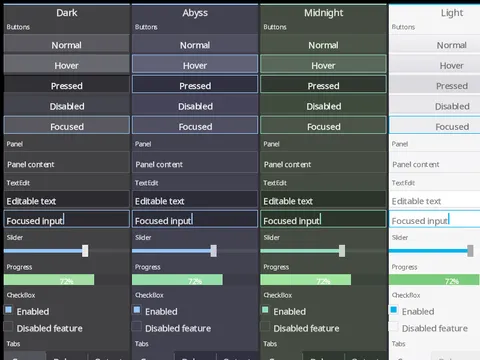
Theme Presets
every built-in AppTheme side by side.

Touch Targets
small controls a thumb can still hit, at the size they were drawn.
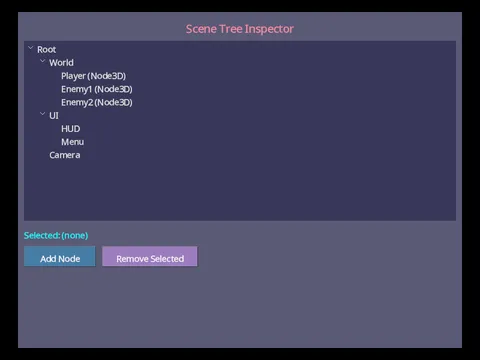
Tree View
a collapsible hierarchy you can select from and edit.
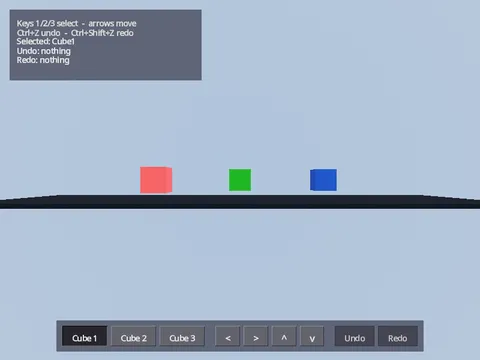
Undo and Redo
move cubes around and rewind every move.
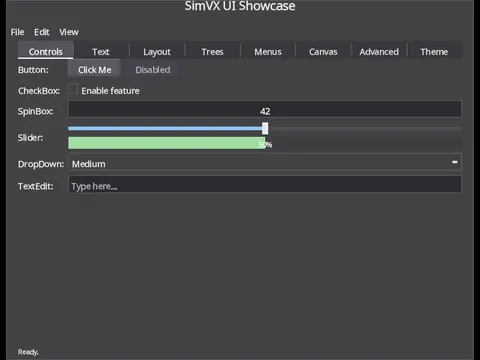
Widget Showcase
a tour of the built-in UI widgets, one family per tab.
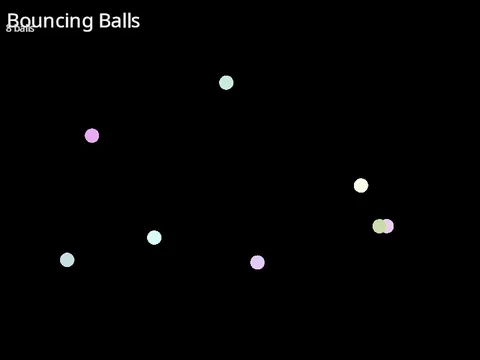
Bouncing Balls
Properties, velocity, and screen-edge collision.
First Scene
Open a window and draw a node.
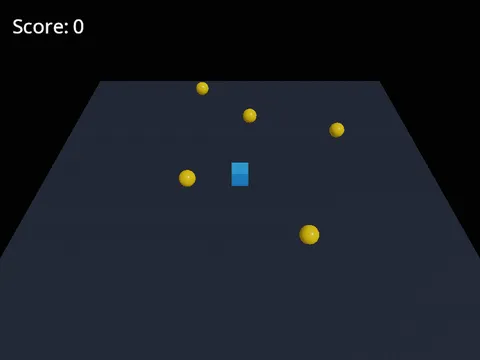
Gem Collector
your first 3D game.
Input and Movement
Drive a node from the keyboard with input actions.
Monolith to Composed
Structure a game as small, single-purpose nodes.
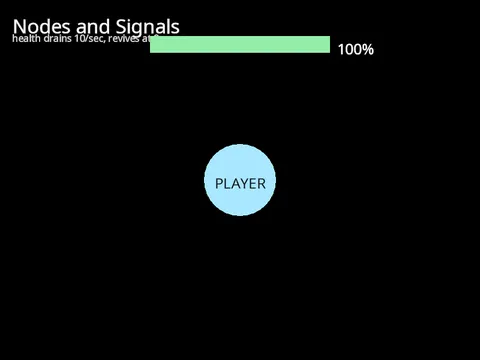
Nodes and Signals
build a scene tree and wire nodes together with signals.
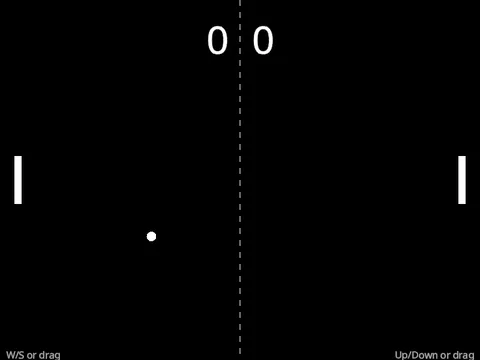
Pong
a complete two-player game.
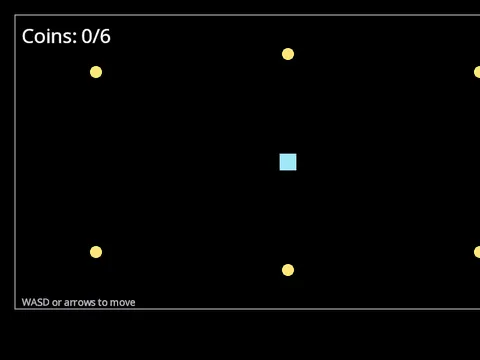
Testing Your Game
a coin collector built to be tested.
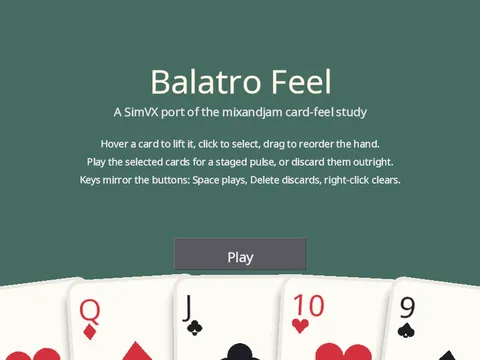
Balatro Feel
A card hand with hover lift, drag-to-reorder, and punchy selection juice.
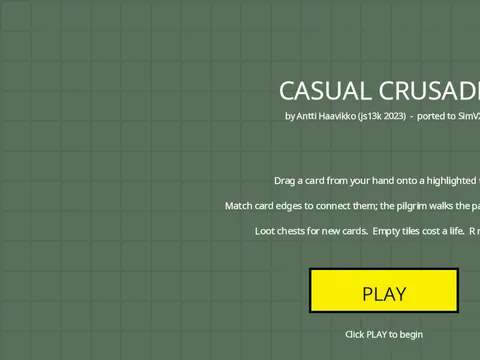
Casual Crusade
a card-laying dungeon crawler with path-walk scoring.
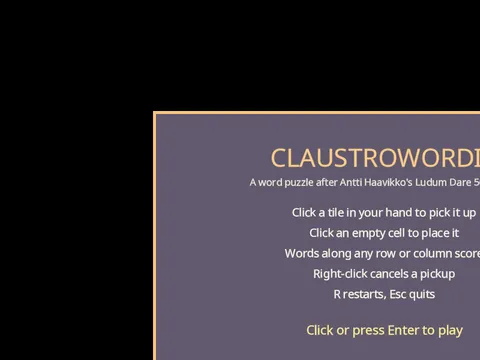
Claustrowordia
Port of Antti Haavikko’s LD50 jam winner, with procedural audio and word scoring.
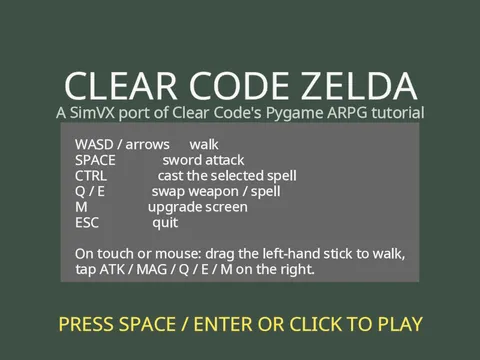
Clear Code Zelda
top-down ARPG with sword combat, magic, enemy AI and stat upgrades.
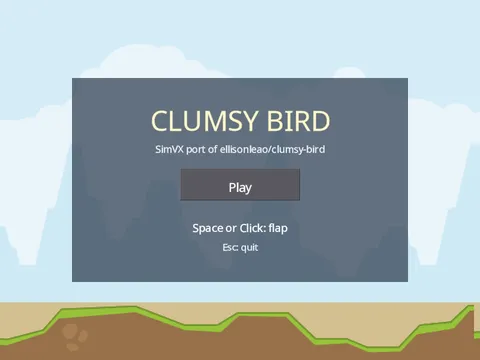
Clumsy Bird
Flappy-style endless flyer with audio, score and restart.
Dodge the Creeps
Godot’s first 2D tutorial, wandering mobs, top-down dodge.
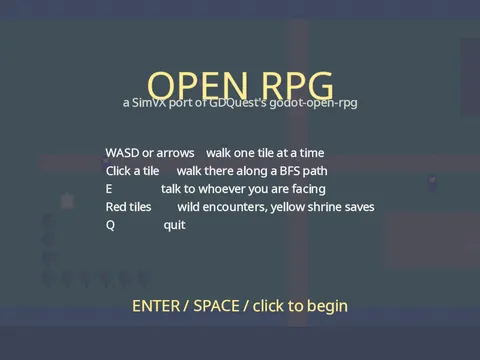
GDQuest Open RPG
Overworld exploration with turn-based party combat.
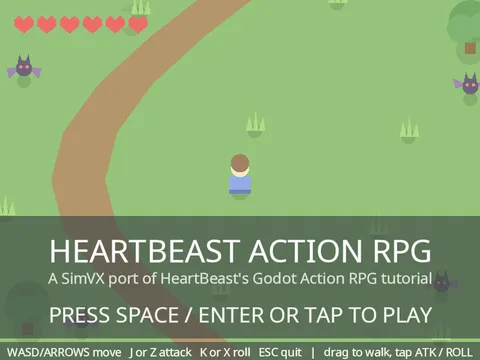
HeartBeast Action RPG
sword-and-roll combat port of the classic Godot tutorial.
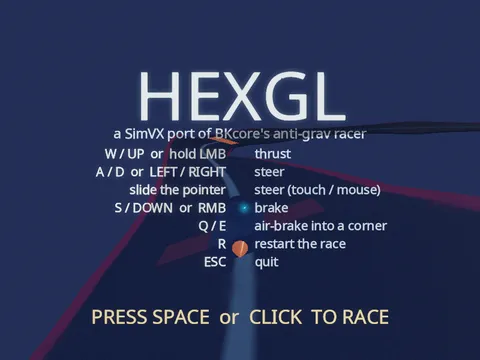
HexGL
3D anti-grav racer, Catmull-Rom banked track, lap-attack, AI ghost.
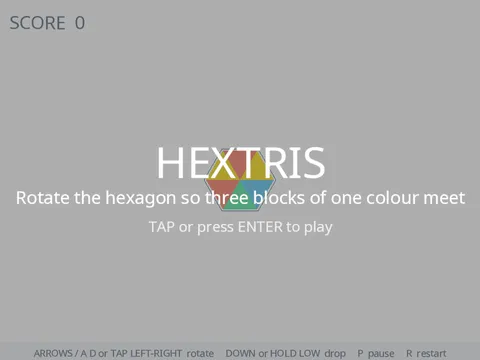
Hextris
Rotate the hexagon to line up falling colour blocks.
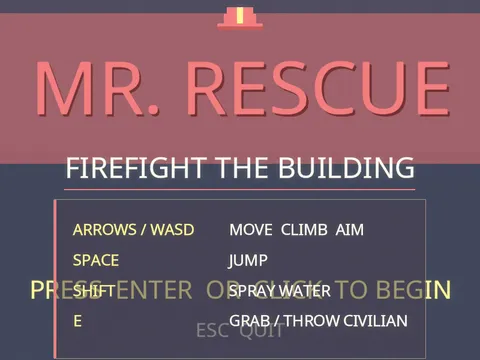
Mr. Rescue
Arcade firefighting in a procedurally generated burning building.
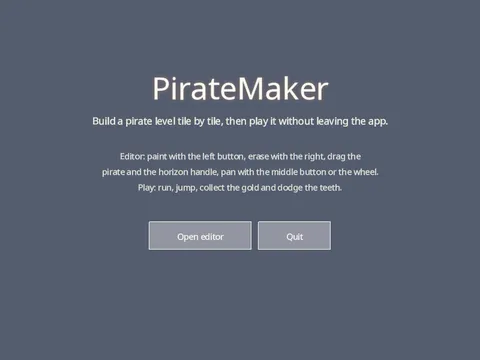
PirateMaker
An in-game level editor and the level it builds, in one process.
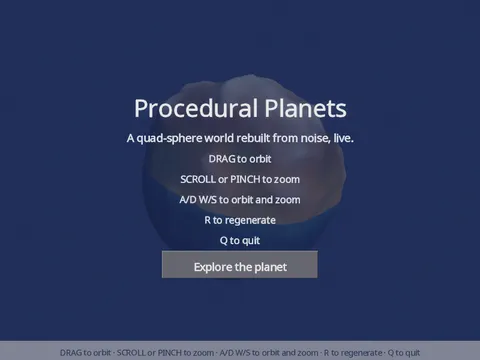
Procedural Planets
quad-sphere terrain built from layered noise and shaded by a biome ramp.
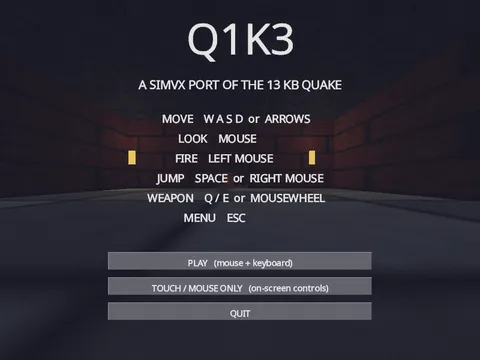
Q1K3
first-person Quake-style FPS with three weapons and five enemy types.
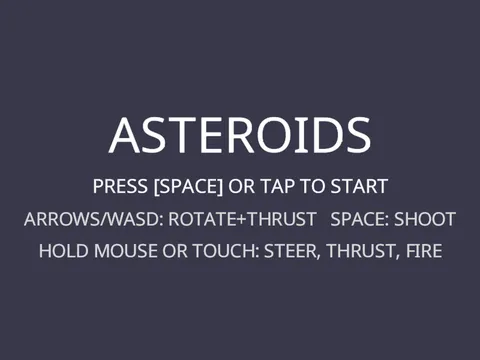
Asteroids (raylib classic)
vector ship physics, screen wrap, splitting rocks.
Snake (raylib classic)
Grid logic, a drawn D-pad, resize-aware HUD.
Tetris (raylib classic)
Grid logic, rotation, line clears, score HUD.
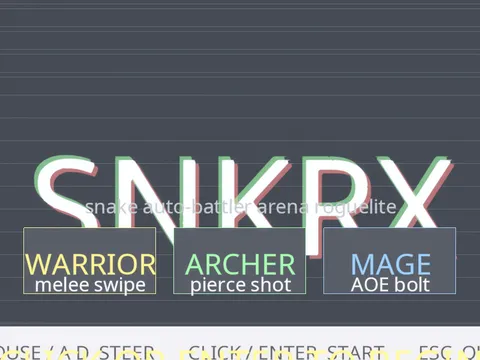
SNKRX
Wave-based arena, particles, screenshake, slow-motion, bloom.
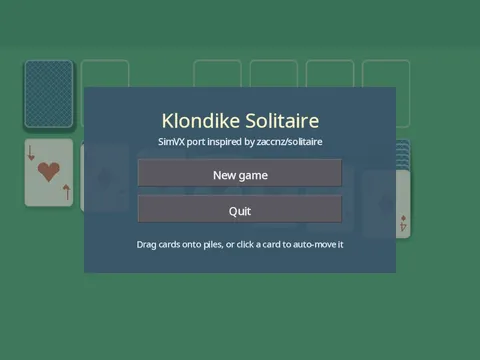
Klondike Solitaire
drag-drop cards with springy motion, undo, and save/load.
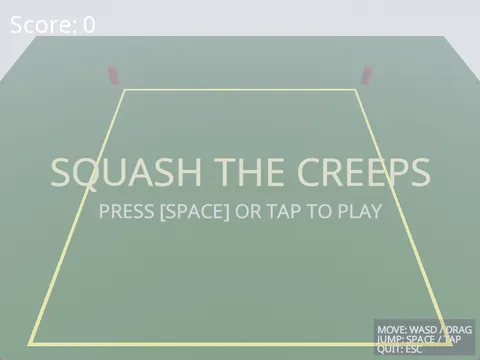
Squash the Creeps
a 3D arcade port of Godot’s first 3D game tutorial.
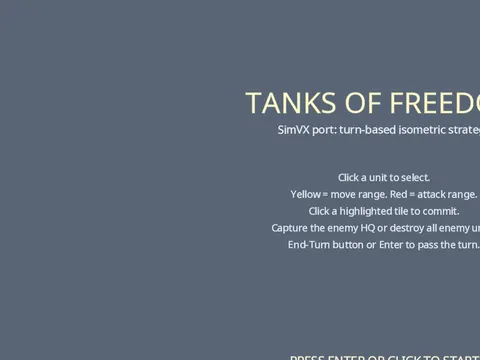
Tanks of Freedom
Isometric turn-based strategy, three units, four buildings, AI opponent.
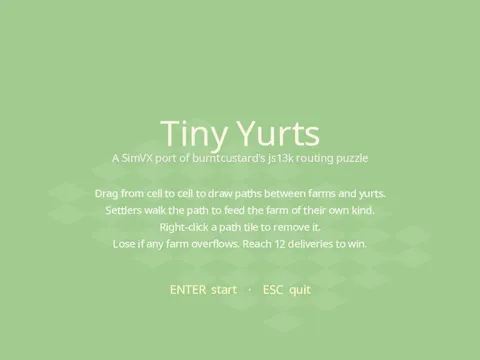
Tiny Yurts
Isometric grid, BFS path-following agents, drawable routes.
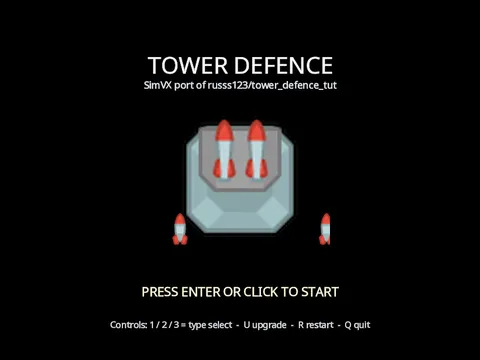
Tower Defence
waves, tile-aligned turret placement, upgrades, and a shop panel.
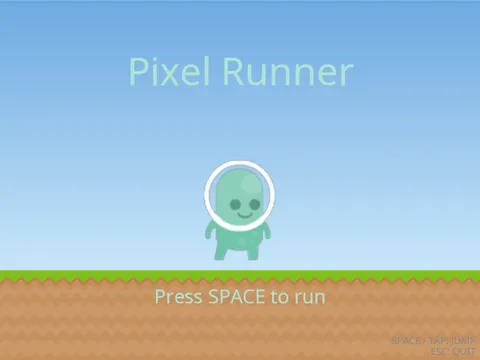
Pixel Runner
Clear Code’s Pygame endless runner, with Timer signals, flipbook sprites and synthesised audio.
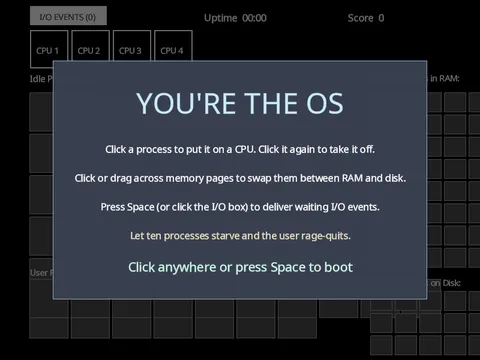
You’re the OS
schedule processes, swap memory pages, and keep the user calm.
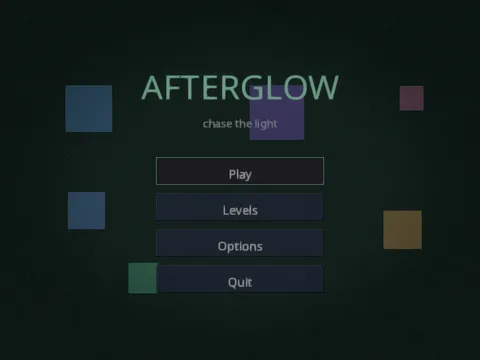
Afterglow
an original precision platformer.
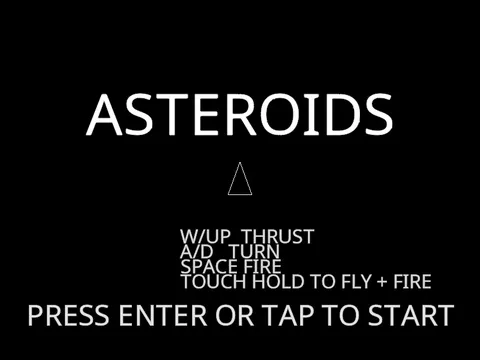
Asteroids 2D
The classic arcade shooter in one small file.
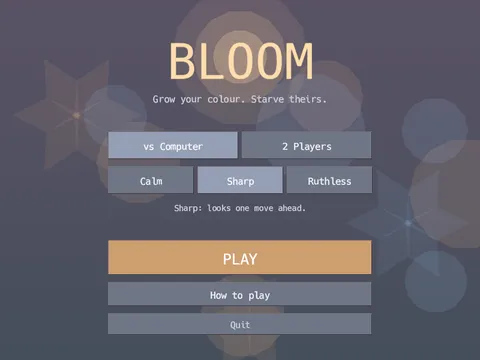
Bloom
Grow your colour, starve theirs. One tap a turn.
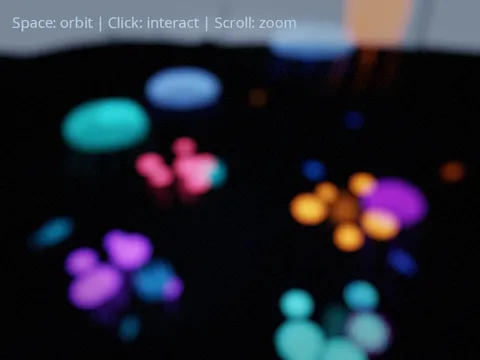
Deep Sea Aquarium
bioluminescent tank with flocking fish and a synthesised score.
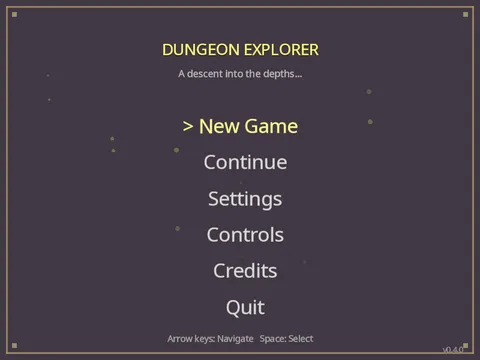
Dungeon Explorer
a 100-floor action-RPG descent with loot, skills, and a village hub.
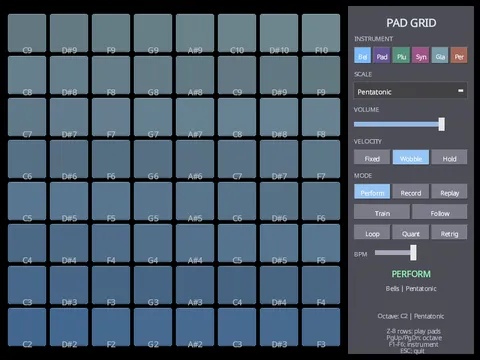
Pad Grid
a playable synth instrument with record, replay and training modes.
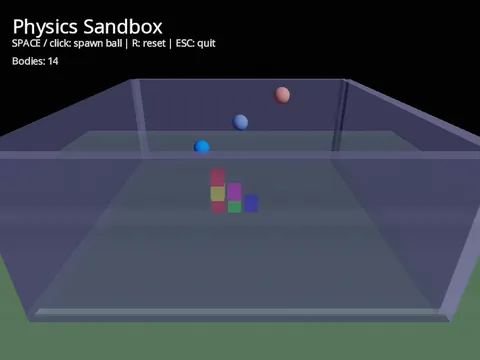
Physics Sandbox
stack-toppling cubes and bouncy balls in a walled 3D arena.
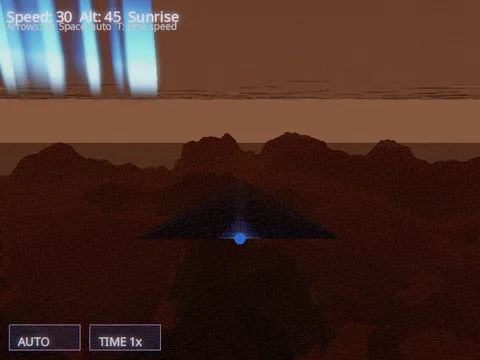
Planet Explorer
an endless flight over procedural terrain, weather and a day/night cycle.
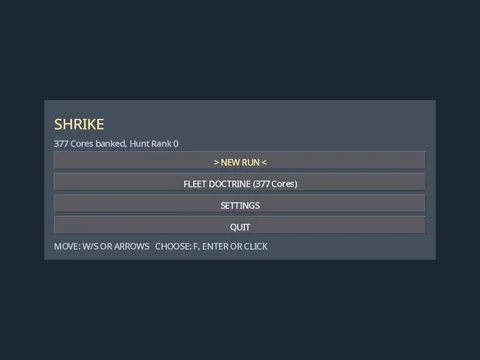
SHRIKE
top-down 3D space survival roguelike.
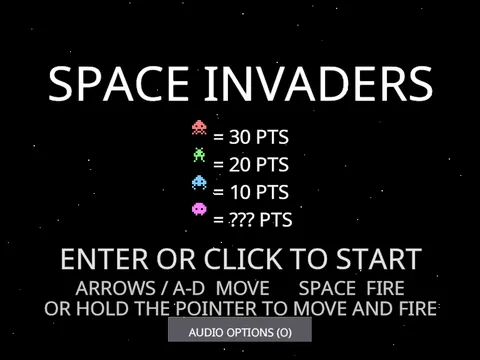
Space Invaders 2D
the arcade classic rebuilt on nodes, signals and synthesized sound.
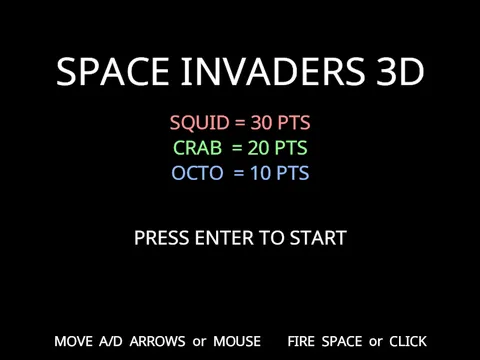
Space Invaders 3D
the arcade classic built from 3D meshes.
Squad Commander
an LLM officer picks the stance, the squad fights every frame.
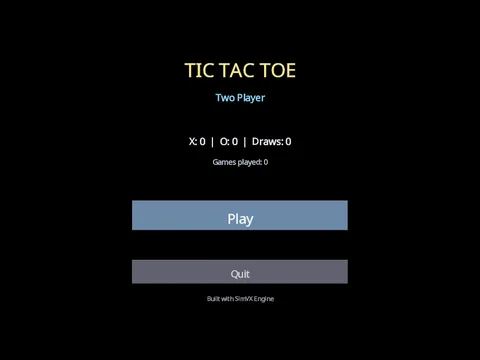
Tic Tac Toe
Classic two-player game built entirely from UI widgets.
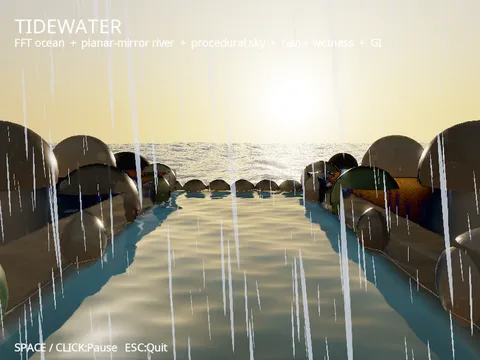
Tidewater
an FFT sea meeting a mirror-calm river under golden-hour rain.